
Free AI Tools That Actually Save Time Every Day
Ever feel like your to-do list grows faster than you can finish it?
Between answering emails, writing documents, taking meeting notes, searching for information, and organizing your work, it’s easy to spend hours on tasks that don’t really move the needle.
That’s exactly where AI tools can help.
The challenge isn’t finding AI tools, there are thousands of them. The real challenge is finding free AI tools that genuinely save time instead of creating more work.
After trying dozens of popular AI tools, a small group consistently stood out because they solved everyday problems quickly without requiring expensive subscriptions.
In this guide, you’ll discover the best free AI tools that are actually useful, who they’re best for, and how they can fit into your daily workflow.
Why Free AI Tools Matter More Than Ever
AI isn’t just for developers or large companies anymore.
Students use it to summarize research.
Freelancers use it to draft proposals.
Small business owners use it to write marketing content.
Developers use it to solve coding problems faster.
Even if each tool saves just 15 or 20 minutes a day, those small improvements add up over weeks and months.
The key is choosing tools that eliminate repetitive work instead of replacing your own thinking.
Quick Checklist: The Best Free AI Tools
If you’re short on time, here’s the quick list.
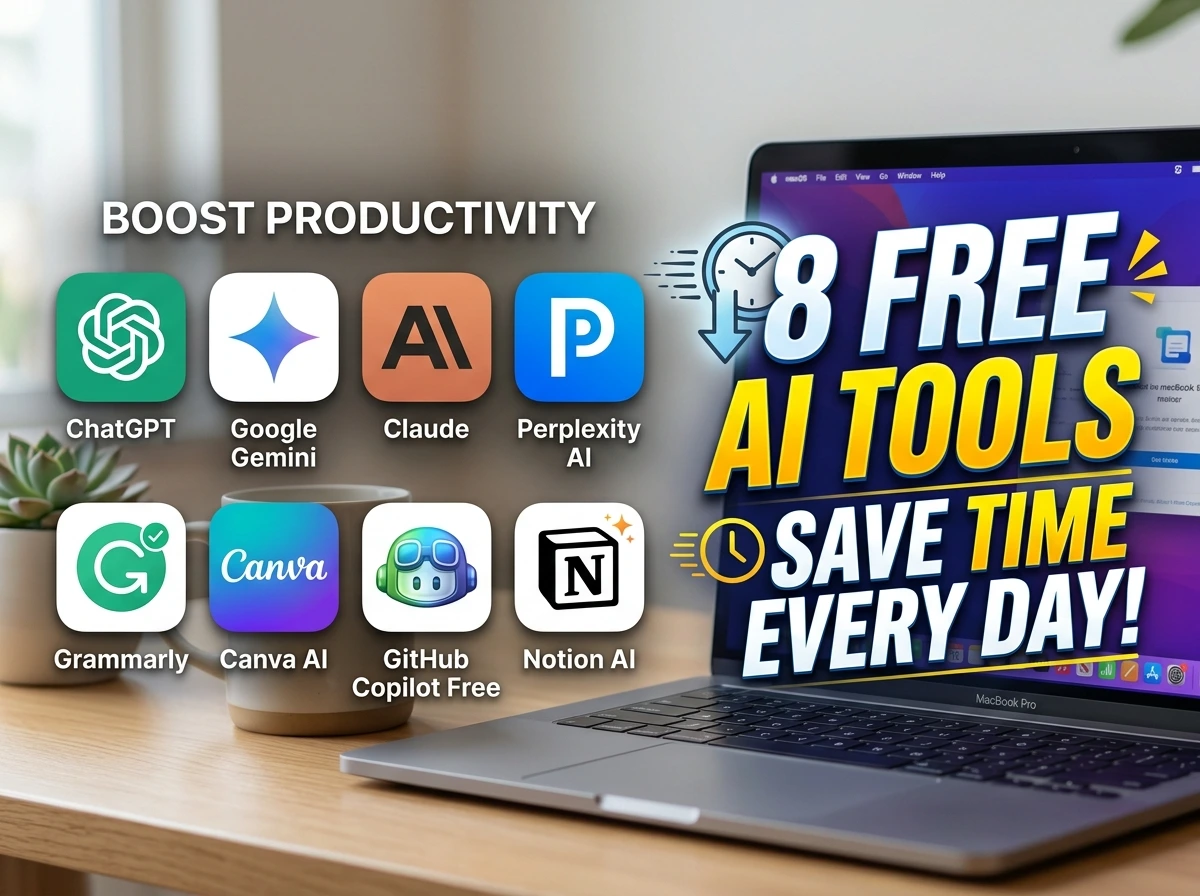
- ChatGPT – Writing, brainstorming, and explanations
- Google Gemini – Research and document assistance
- Claude – Long-form writing and document analysis
- Perplexity AI – AI-powered search and fact finding
- Grammarly – Writing improvement
- Canva AI – Fast graphic design
- GitHub Copilot Free – Coding assistance
- Notion AI – Workspace productivity
Best Free AI Tools That Actually Save Time
1. ChatGPT
Best For
- Writing emails
- Brainstorming ideas
- Learning new topics
- Summarizing information
Instead of staring at a blank page, you can generate outlines, rewrite paragraphs, simplify technical concepts, or create first drafts in seconds.
The free version is enough for many everyday tasks.
2. Google Gemini
Google Gemini works especially well if you already use Google Workspace.
You can quickly:
- Summarize long documents
- Generate ideas
- Analyze text
- Draft professional responses
It integrates naturally into many Google-based workflows.
3. Claude
Claude is excellent for reading and understanding large amounts of text.
Many users prefer it when working with:
- Reports
- Research papers
- Documentation
- Long conversations
It tends to provide thoughtful, structured responses that are easy to follow.
4. Perplexity AI
Instead of opening ten browser tabs, Perplexity searches the web and presents summarized answers with cited sources.
It’s especially useful when researching unfamiliar topics or comparing products.
This can dramatically reduce research time.
5. Grammarly
Writing takes longer when you’re constantly fixing grammar after finishing a draft.
Grammarly checks spelling, grammar, punctuation, and clarity while you write.
It helps emails, reports, blog posts, and documents feel more professional.
6. Canva AI

Creating social media graphics used to require design experience.
Now Canva AI can help generate:
- Social posts
- Presentations
- Marketing materials
- Posters
- Thumbnails
It speeds up design without requiring advanced skills.
7. GitHub Copilot Free
For developers, repetitive coding tasks consume valuable time.
GitHub Copilot can:
- Suggest code
- Complete functions
- Explain unfamiliar code
- Speed up debugging
It’s especially helpful when learning new programming languages.
8. Notion AI
If you already organize your work inside Notion, Notion AI becomes a natural productivity assistant.
It can:
- Summarize notes
- Generate meeting summaries
- Brainstorm ideas
- Rewrite content
- Organize documents
Instead of switching between multiple applications, everything stays in one workspace.
Which AI Tool Should You Choose?
It depends on what you do every day.
Students
Choose:
- ChatGPT
- Gemini
- Claude
Freelancers
Choose:
- ChatGPT
- Grammarly
- Canva AI
Business Owners
Choose:
- ChatGPT
- Notion AI
- Canva AI
Developers
Choose:
- GitHub Copilot
- ChatGPT
- Perplexity AI
Don’t feel like you need all of them.
Most people become more productive by mastering just two or three tools rather than constantly trying new ones.
Practical Use Case
Imagine you’re a freelance content writer.
Instead of spending an entire morning preparing one article, your workflow could look like this:
- Use Perplexity AI to research the topic.
- Use ChatGPT to generate an outline.
- Write the article yourself.
- Use Grammarly to polish the final draft.
- Create a featured image with Canva AI.
The writing still comes from you, but the repetitive work takes far less time.
Common Mistakes to Avoid
Many people don’t get the most from AI because of avoidable habits.
1. Using Too Many Tools
More tools don’t always mean more productivity.
2. Copying AI Output Without Editing
Always review and personalize AI-generated content.
3. Expecting Perfect Answers
AI makes mistakes. Verify important information before using it.
4. Ignoring Privacy
Avoid sharing confidential business or personal information with AI tools.
5. Using Vague Prompts
Better prompts usually produce better results.
6. Replacing Critical Thinking
Use AI as an assistant—not as a replacement for your own judgment.
Pro Tips
These small habits can make AI much more useful.
1. Create Prompt Templates
Save your best prompts so you don’t have to rewrite them every day.
2. Combine Multiple AI Tools
One tool rarely does everything well.
Use different tools for research, writing, editing, and design.
3. Automate Repetitive Tasks
If you repeat the same process every week, look for ways to integrate AI into that workflow.
4. Learn One Tool Deeply
It’s better to master one AI assistant than casually use ten different ones.
5. Keep Learning
AI tools evolve quickly. Revisit your workflow every few months to see whether a newer feature can replace manual work.
FAQs
1. Are free AI tools really useful?
Yes. Many free versions offer enough features for students, freelancers, and small businesses.
2. Which free AI tool is best for writing?
ChatGPT, Claude, and Grammarly are among the most popular choices for writing tasks.
3. Which AI tool is best for research?
Perplexity AI is particularly useful because it summarizes information and provides source references.
4. Can AI replace my job?
AI is better viewed as a productivity tool that automates repetitive work rather than replacing most professional roles outright.
5. Which AI tool is best for coding?
GitHub Copilot Free is a strong option for developers looking to speed up coding and debugging.
6. Do I need to pay for AI tools?
Not necessarily. Many users accomplish everyday tasks with free plans before deciding whether premium features are worthwhile.
7. Can students use these AI tools?
Absolutely. They can help with studying, note organization, writing, and research when used responsibly.
8. Is AI-generated content always accurate?
No. Always verify important facts, especially for academic, legal, financial, or medical topics.
9. Should I use multiple AI tools together?
Yes. Combining specialized tools often creates a more efficient workflow than relying on a single platform.
10. What’s the biggest time-saving tip?
Identify the repetitive tasks you perform every day and let AI handle those first. That’s where you’ll see the biggest productivity gains.
Conclusion
The best free AI tools aren’t the ones with the most features, they’re the ones that quietly remove repetitive work from your day.
Whether you’re studying, running a business, writing content, or building software, choosing the right AI assistant can help you work faster without sacrificing quality.
Start with one or two tools that match your daily workflow, use them consistently, and you’ll quickly discover where AI delivers the greatest time savings.