There’s a common assumption that beginners should start with “whichever tool is simpler,” as if simplicity is the only thing that matters when you’re new to task management. That’s half-right and half-misleading. Simplicity matters, but so does whether the tool fits the shape of what you’re actually trying to organize and for beginners, those two things don’t always point to the same answer.
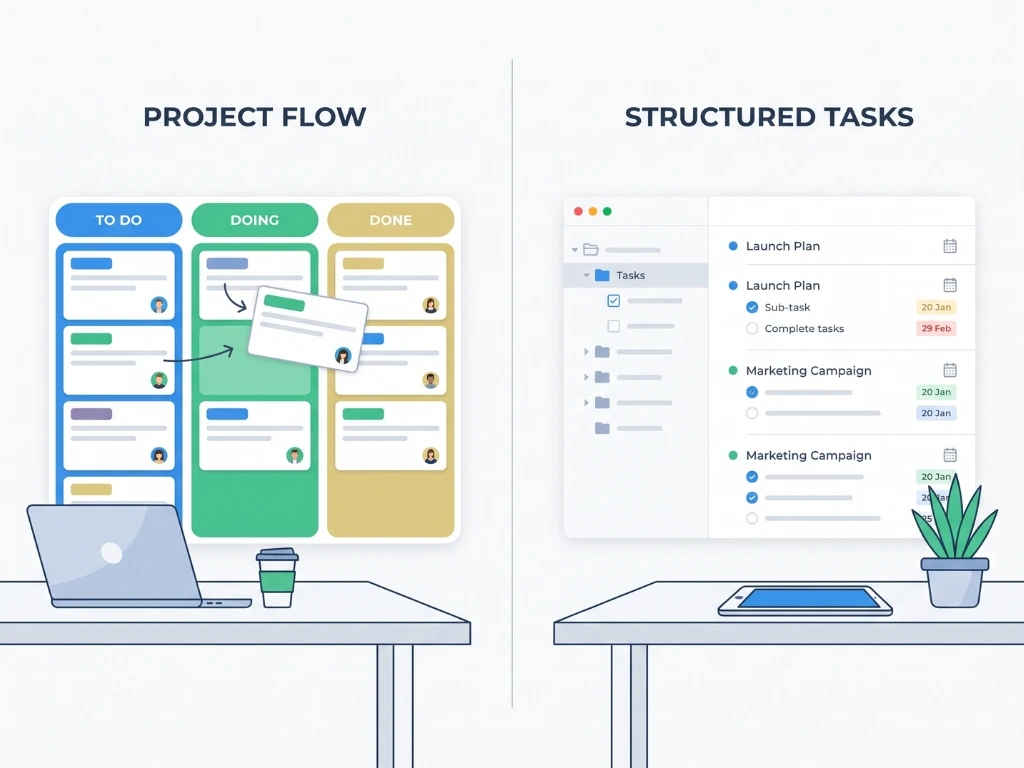
Both Asana and Trello are genuinely beginner-friendly. Neither requires technical skill. Both have generous free plans. So the real question isn’t “which is easier”, it’s “which one matches how you naturally think about your work.” This guide walks through that distinction plainly, without assuming you already know what a “board” or a “project” means in either tool’s language.
The One-Sentence Difference
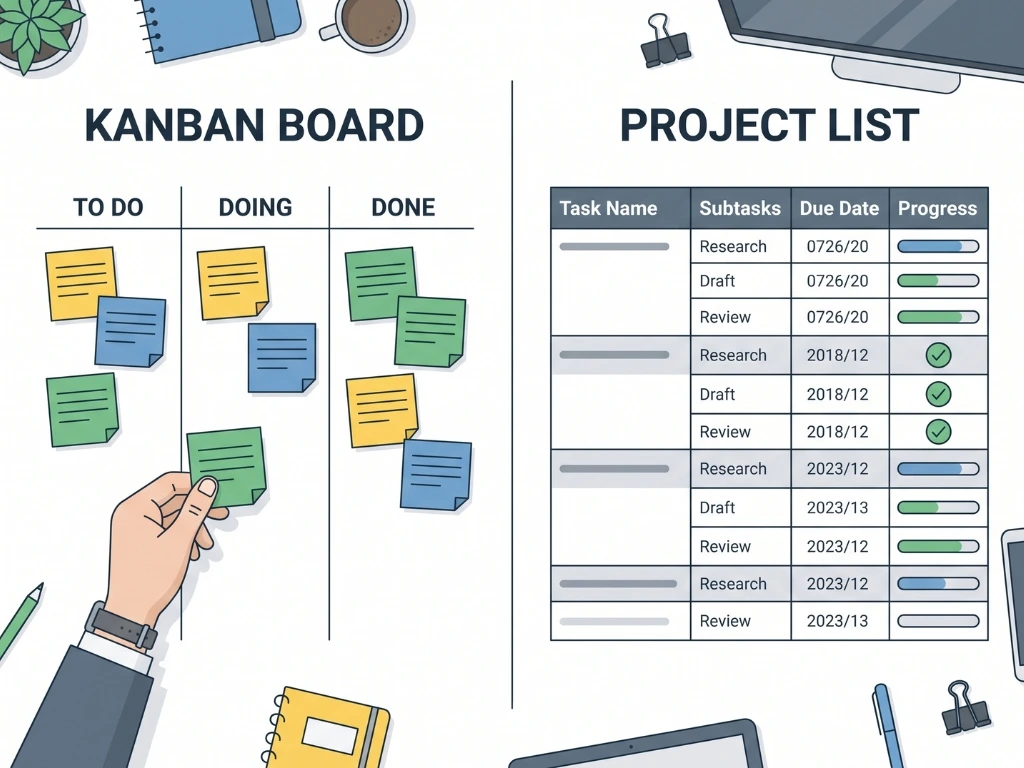
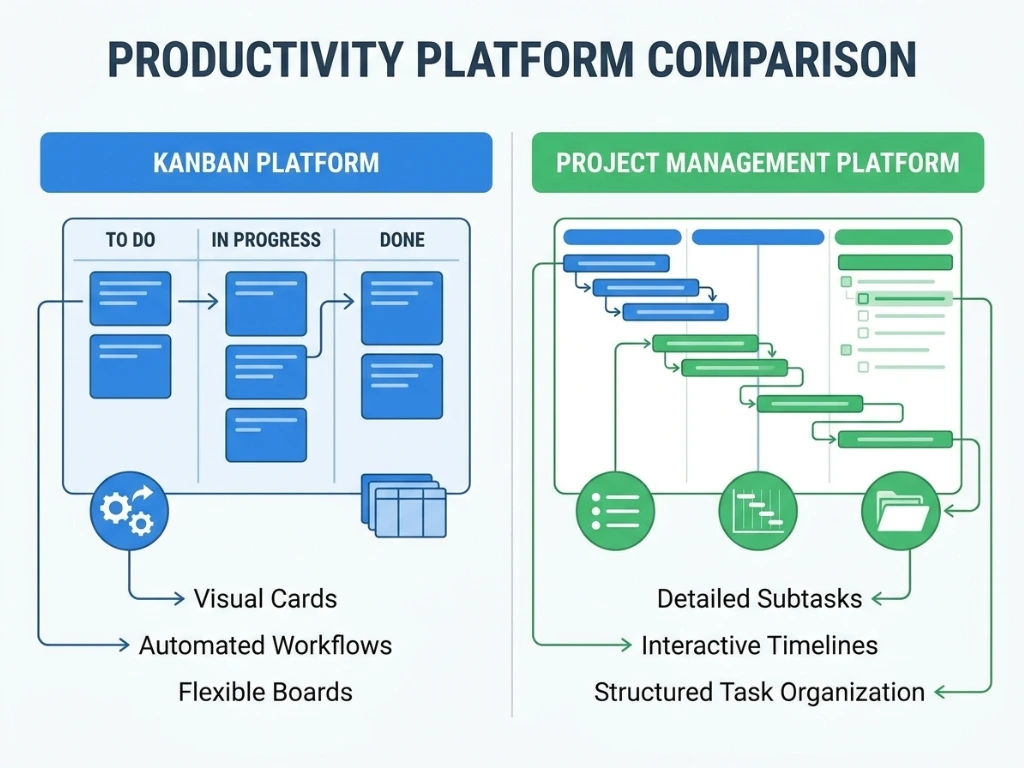
Trello shows your work as cards moving across columns – visual, tactile, immediate. Asana shows your work as structured lists and projects – more detailed, more capable of nuance, slightly less visual by default.
If you’ve ever used a physical whiteboard with sticky notes, Trello will feel instantly familiar. If you’ve ever used a detailed to-do list with subtasks and deadlines, Asana will feel like a natural upgrade.
Side-by-Side for Beginners
| What You’re Wondering | Trello | Asana |
|---|---|---|
| How fast can I get started? | Minutes – create a board, add cards, done | Slightly longer – more setup options to consider |
| Does it feel visual? | Yes, by default (Kanban board) | Requires switching to Board view; List view is default |
| Can it handle subtasks within a task? | Limited – checklists only | Yes, natively, with more depth |
| Is there a free plan good enough to actually use? | Yes, generous for individuals | Yes, generous for individuals and small teams |
| How steep is the learning curve honestly? | Very gentle | Gentle, but slightly more to learn |
| Best for beginners who think in… | Visual stages | Lists and detail |
| Mobile app quality | Strong | Strong |
Getting Started: What Your First 15 Minutes Look Like
If You Choose Trello
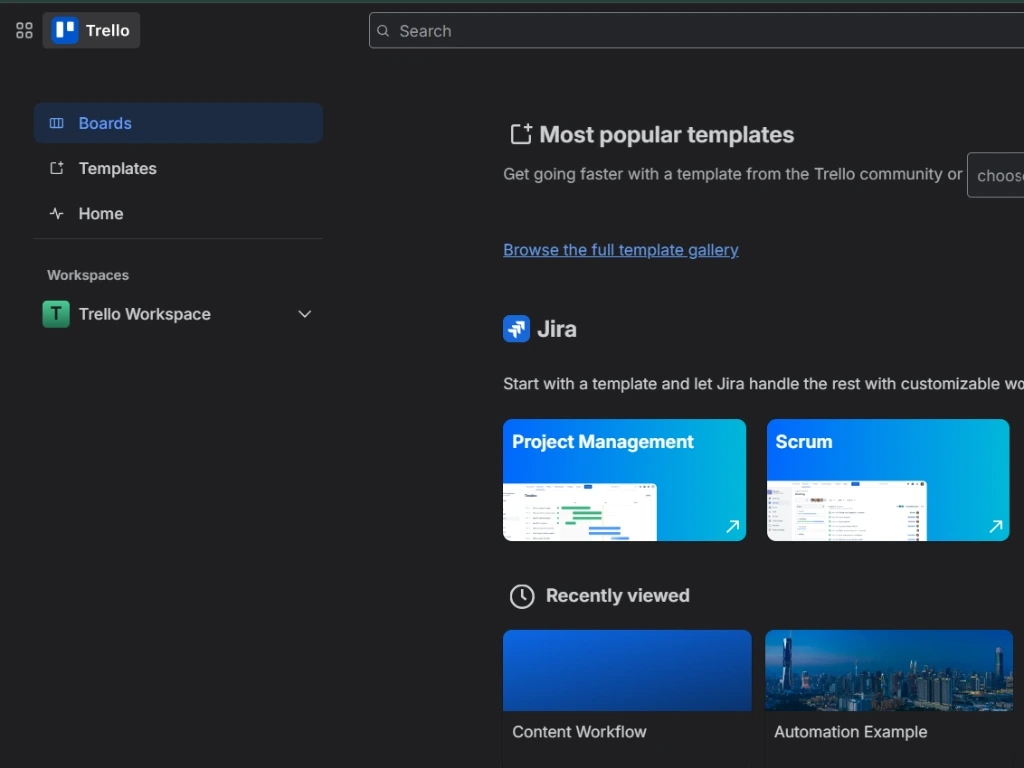
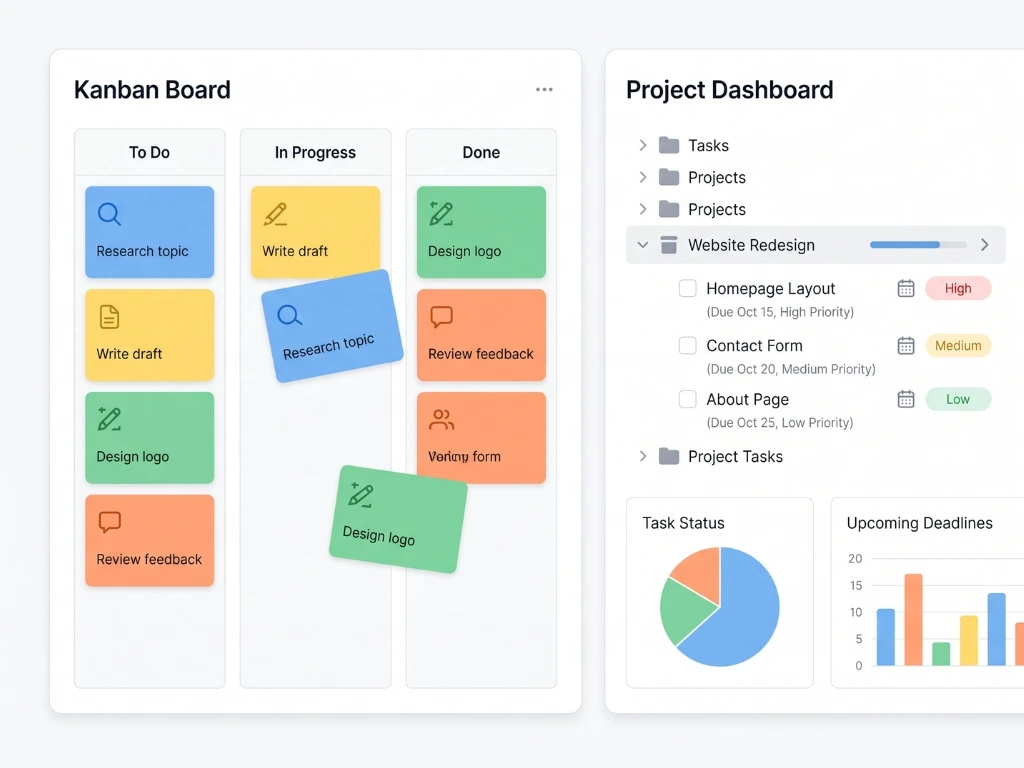
You create a board, add a few lists (commonly “To Do,” “Doing,” “Done”), and start adding cards. Each card can hold a description, due date, checklist, and label. That’s genuinely close to the entire learning curve, most beginners are comfortable within their first session. Trello official site
If You Choose Asana
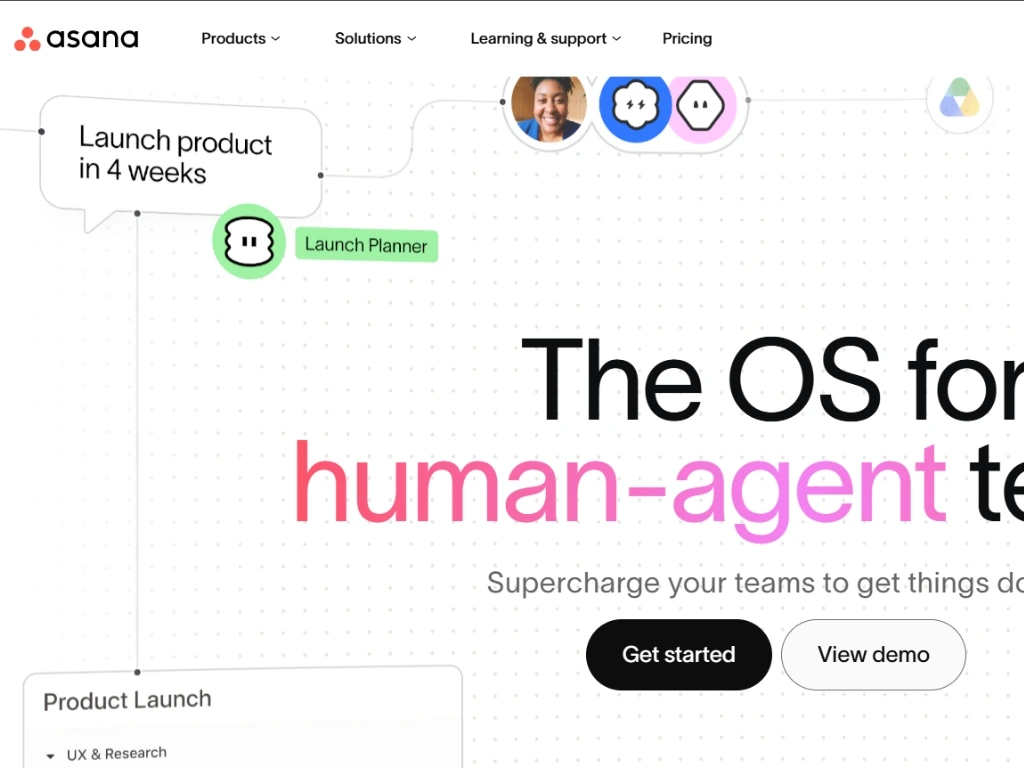
You create a project, choose a view (List is the default, Board is available with one click), and start adding tasks. Tasks can have subtasks, due dates, assignees, and custom fields. There’s a bit more to learn upfront, mostly because Asana offers more structure than Trello does out of the box, which is either a benefit or unnecessary complexity, depending on what you actually need. Asana official site
Why Beginners Often Pick the “Wrong” One (And How to Avoid That)
A lot of beginners choose based on which tool a friend or coworker recommended, without checking whether their own work actually matches that tool’s strength. Someone managing a genuinely simple personal to-do list ends up in Asana’s more structured environment and feels like it’s “too much.” Someone managing a project with real dependencies and subtasks ends up in Trello and finds themselves fighting the card format to represent detail it wasn’t built for.
Before choosing, ask yourself one honest question: is my work mostly “what stage is this at” or mostly “what are all the details and sub-steps involved”? The first points to Trello. The second points to Asana.
Kanban method overview — Atlassian
A Beginner’s Actual First Week: Two Scenarios

Scenario 1 — Personal project, visual thinker. Aisha wants to organize her freelance illustration side-project client requests, works in progress, finished pieces. She picks Trello, sets up three lists, and by the second day she’s dragging cards across stages without thinking about it. The visual movement itself feels satisfying and keeps her checking the board daily.
Scenario 2 — Small team, detail-heavy work. A three-person events team needs to track vendor bookings, each with multiple sub-tasks (confirm date, deposit paid, contract signed, final payment). They start in Trello, try representing this with checklists on cards, and within two weeks find the cards overloaded and hard to scan. They migrate to Asana, use subtasks properly, and the same information becomes dramatically easier to track, not because Asana is “better,” but because their work needed a level of structure Trello’s card format wasn’t designed to hold.
Mistakes Beginners Commonly Make With Either Tool
- Overbuilding on day one. Adding ten labels, five custom fields, and three views before you’ve used the tool for even a week creates unnecessary friction. Start minimal.
- Choosing based on what’s trendy rather than your actual workflow shape. Popularity doesn’t guarantee fit.
- Ignoring the free plan’s real limits until they hit them. Both tools have generous free tiers, but check team size and feature limits before assuming you’ll never need to upgrade.
- Giving up after one confusing session. Both tools have a short adjustment period, a single frustrating hour isn’t evidence the tool is wrong for you.
- Not committing to one tool long enough to judge it fairly. Two to three weeks of consistent use is a more honest test than a single afternoon.
- Trying to force the other tool’s use case into your choice. If you picked Trello but keep wishing for detailed subtasks, that’s a signal, not something to work around indefinitely.
Free Plan Comparison for 2026
| Free Plan Feature | Trello | Asana |
|---|---|---|
| Unlimited personal boards/projects | Yes | Yes |
| Team members on free plan | Generous for small teams | Generous for small teams |
| Automation included | Yes (Butler, limited monthly runs) | Limited rule-based automation |
| Mobile app | Full-featured | Full-featured |
| File attachments | Yes (size-limited) | Yes (size-limited) |
| Custom fields | Limited (via Power-Ups) | Included, more robust |
Exact limits shift periodically as both companies adjust their plans, so it’s worth checking each tool’s current pricing page before committing if the specific limits matter to your decision.
Pro Tips for Whichever You Choose
- Don’t customize before you’ve used the default setup for a week. You’ll make better structural decisions once you know what you’re actually missing, rather than guessing upfront.
- Use the mobile app from day one, not just desktop. If a tool feels awkward on your phone, that friction compounds daily, better to discover it in week one.
- Start with one project or board, not your entire life. Beginners who try to organize everything at once – work, personal, side projects in a single new tool often get overwhelmed and abandon it. Pick one area first.
- If you’re on a team, get everyone using it for two weeks before evaluating. A tool that one person loves but the team ignores has already failed, regardless of its features.
- Revisit your choice in a month, not a day. The real test of fit shows up once the tool has to handle a busy week, not just a calm first session.
Frequently Asked Questions
- Which one is genuinely easier for a complete beginner with zero project management experience? Trello, slightly. Its visual card-and-column format maps closely to how people already think about physical task boards, so there’s less to learn conceptually in the first session.
- Is Asana overkill for someone with a simple personal to-do list? Often, yes. If your needs are genuinely simple, a handful of tasks, no subtasks or dependencies. Trello or even a basic task app will feel lighter and faster to use daily.
- Can Trello handle team projects, or is it only for individuals? Trello handles small team projects well, especially ones with clear visual stages. It becomes more limited once a team needs detailed subtasks, dependencies, or complex reporting.
- Does Asana have a steeper learning curve than people say? It’s a bit steeper than Trello, but “steep” is relative, most beginners are comfortable within their first week of regular use. It’s more accurate to say it has more depth to explore, not that it’s genuinely hard to learn.
- Are both free plans actually usable long-term, or are they just trial bait? Both are genuinely usable long-term for individuals and small teams, not just short trials. Limitations tend to show up around team size and advanced features, not basic day-to-day use.
- Which tool is better for tracking deadlines? Both handle due dates well. Asana’s structure (with subtask-level due dates) offers more granularity for complex projects; Trello’s due dates work well for simpler, card-level deadlines.
- Can I switch from one to the other later without losing my data? Yes, though it requires manual export and rebuilding rather than a seamless one-click migration. Plan for some setup time if you switch after establishing a workflow in one tool.
- Is one of these better for freelancers specifically? It depends on complexity. A freelancer managing simple client project stages often prefers Trello’s visual simplicity. One managing detailed proposals, contracts, and multi-step deliverables per client may prefer Asana’s structure.
- Do I need to pick one and stick with it forever, or can I test both? Testing both for a real week each is genuinely worthwhile if you’re unsure, the cost is just time, and a hands-on trial reveals fit far better than reading comparisons alone (including this one).
- What’s the single biggest regret beginners report after choosing the “wrong” tool? Usually it’s not that the tool was bad, it’s that they built too much structure too early in a tool that didn’t fit their work’s actual shape, then felt like starting over was too much effort. Starting simple avoids this regret either way.
The Actual Beginner Takeaway
Neither tool is the objectively “right” starter choice, despite what any single ranked list might imply. If your work is mostly about seeing status at a glance, start with Trello today. If your work involves real detail, subtasks, and structure, give Asana a real week before deciding it’s too complex.
Whichever you pick, use the default setup first, resist the urge to build elaborate systems before you’ve felt what you’re missing, and give it two to three weeks of honest use before judging the fit. That’s a more reliable test than any comparison article, including this one.