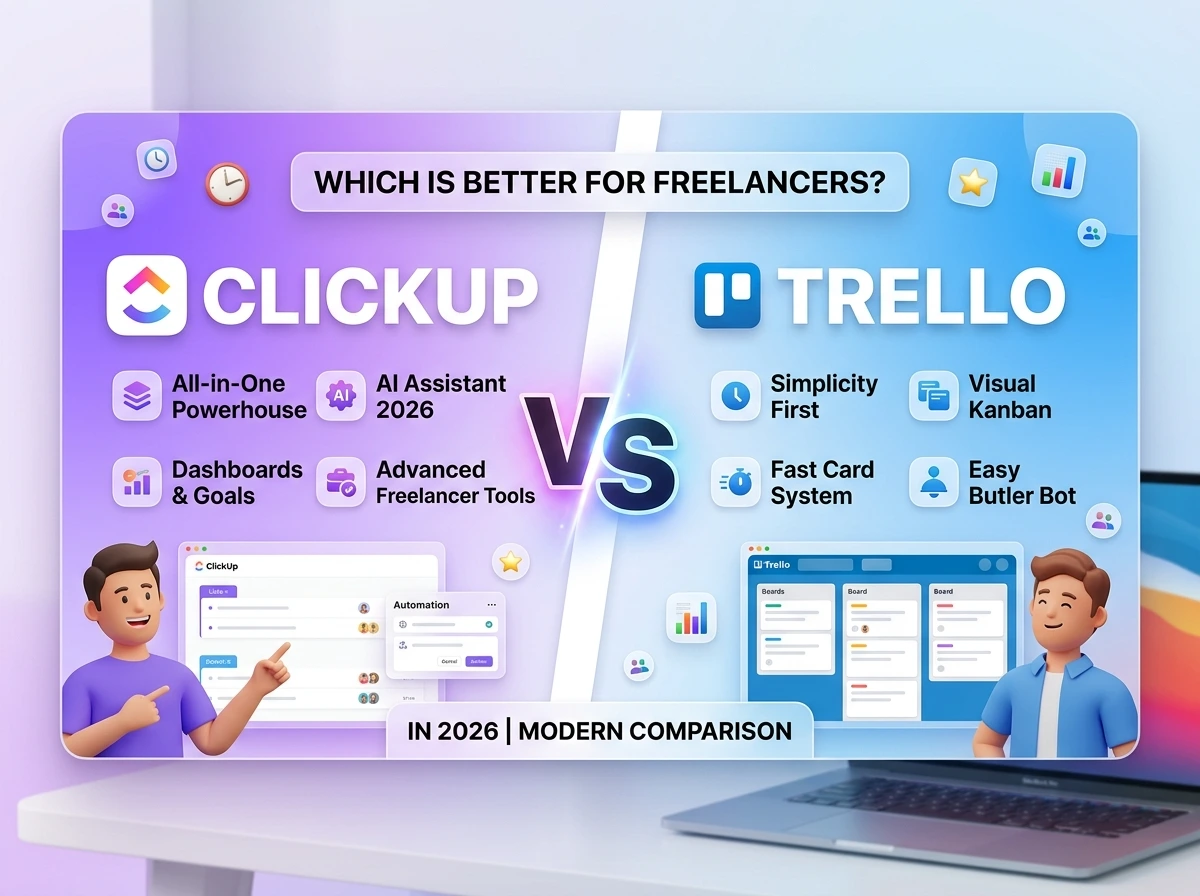
Myth: freelancers need “the most powerful” tool available to look professional. Reality: freelancers need whatever tool lets them track five clients without losing a thread and sometimes the more powerful option is actually the wrong fit for a business of one.
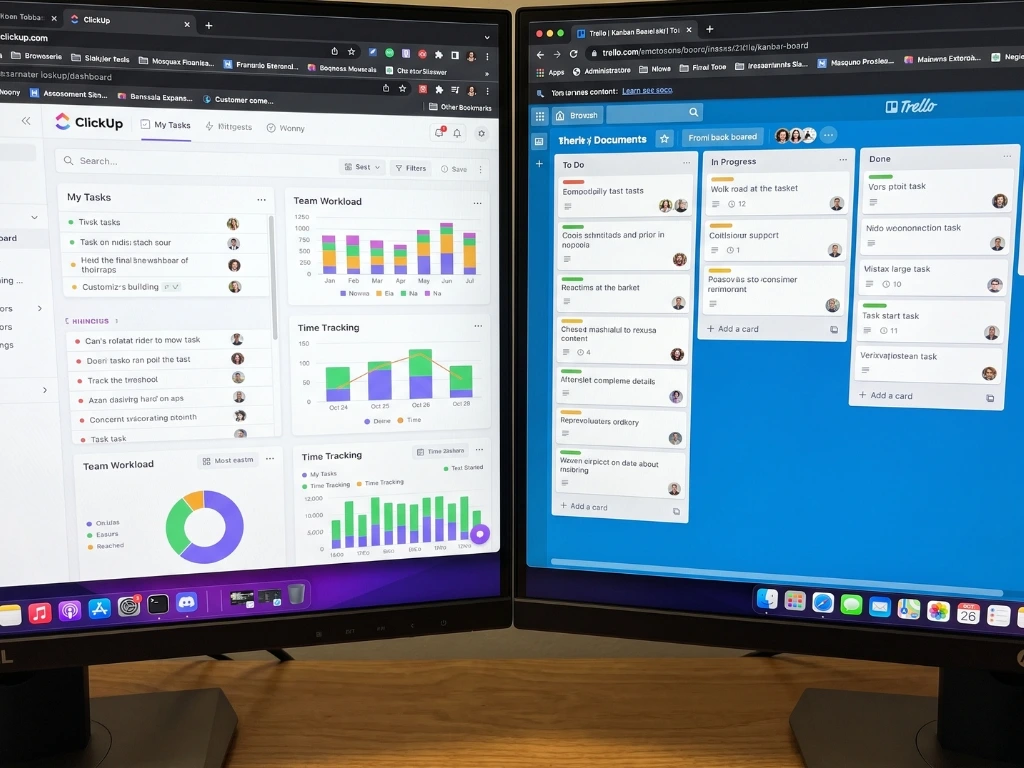
ClickUp markets itself as an all-in-one replacement for nearly every other productivity app. Trello markets itself as the simplest way to see your work visually. For a freelancer specifically someone juggling client variety, inconsistent workloads, and zero time to babysit a complicated system, the “more powerful” option isn’t automatically the better one. This comparison looks at both through that specific lens, not a generic feature race.
ClickUp official site | Trello official site
Two Different Philosophies, One Freelance Decision
Trello does one thing extremely well: visual, card-based tracking of work as it moves through stages. It has a shallow learning curve and stays out of your way.
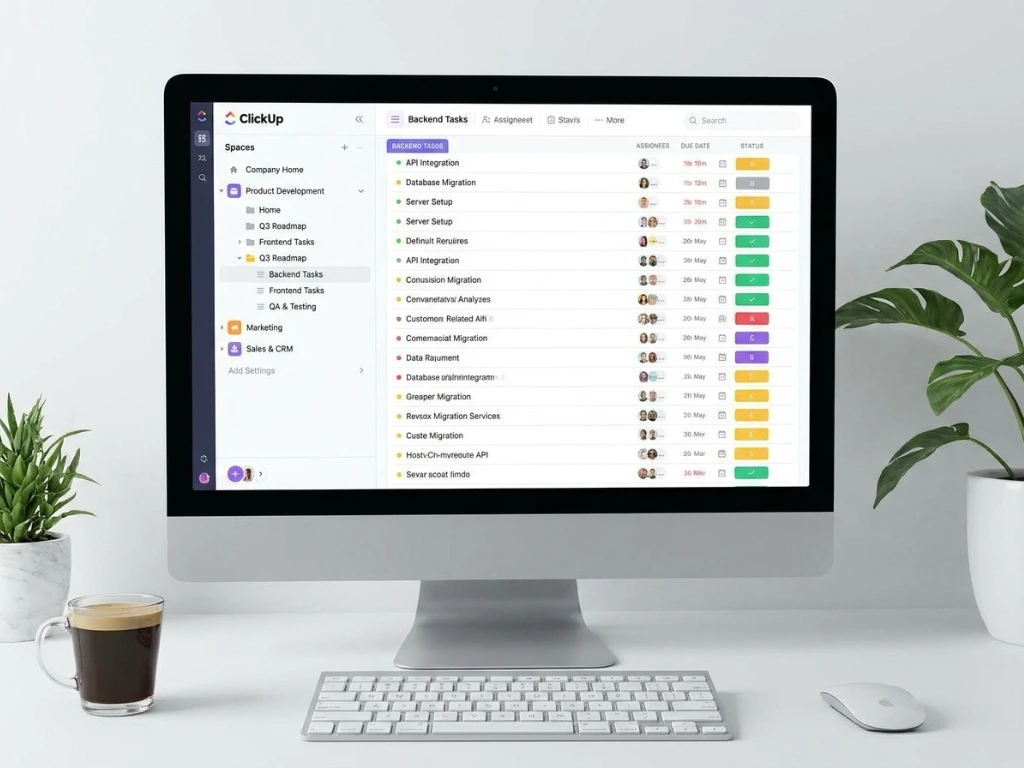
ClickUp does many things reasonably well: task management, docs, goals, time tracking, and dashboards, all inside one platform. That breadth is genuinely useful if you want to consolidate several tools into one, but it also means more decisions to make during setup, and more surface area to get lost in in.
For freelancers, this tradeoff matters more than it does for teams, because there’s no second person to help maintain a complex system when things get busy. Whatever you pick has to survive being neglected for a week when a client emergency eats your schedule.
Where ClickUp Pulls Ahead for Freelancers
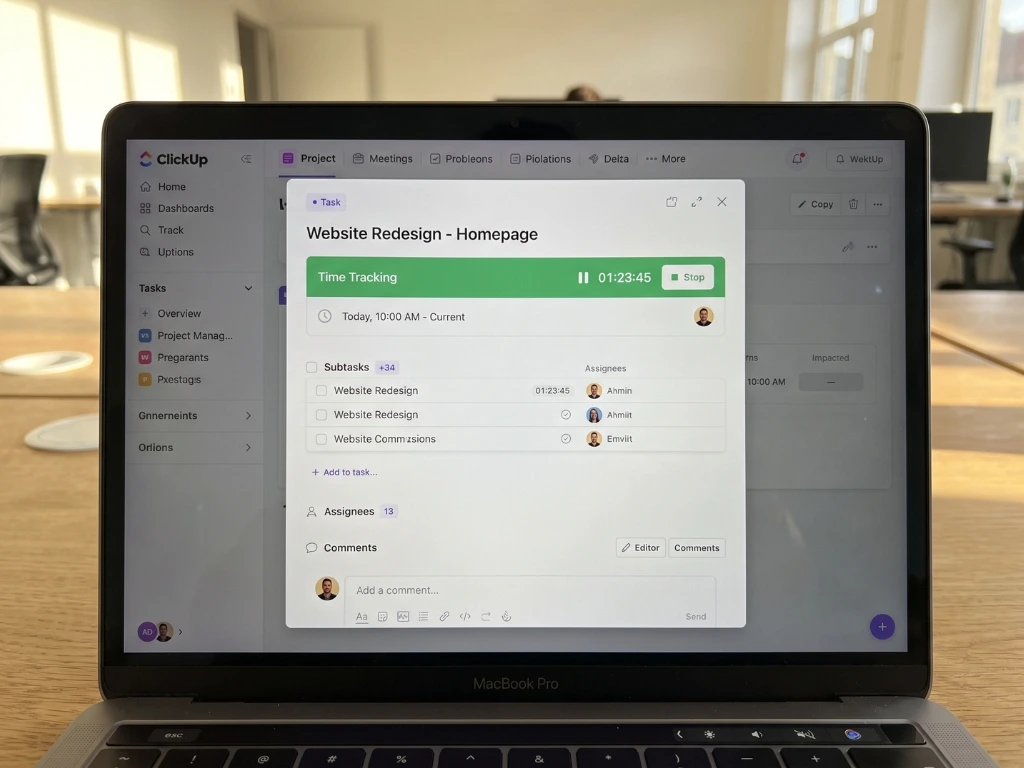
Built-in time tracking. This is the single biggest practical advantage for freelancers billing hourly. ClickUp has native time tracking on tasks, no separate app, no manual timesheet. Trello has none of this without a third-party Power-Up.
Custom fields for client-specific data. ClickUp lets you build fields directly into tasks, hourly rate, invoice status, client contact without needing a separate database structure the way Notion requires. Trello’s version of this (custom fields via Power-Up) is far more limited.
Multiple views of the same work. The same task list can be viewed as a board, a list, a calendar, or a Gantt-style timeline, without rebuilding anything. Freelancers juggling both deadline-driven and stage-driven work benefit from switching views depending on what a given week demands.
Goals and workload tracking. ClickUp includes native features for tracking targets (income goals, project counts) that Trello has no equivalent for without external tools.
Where Trello Pulls Ahead for Freelancers
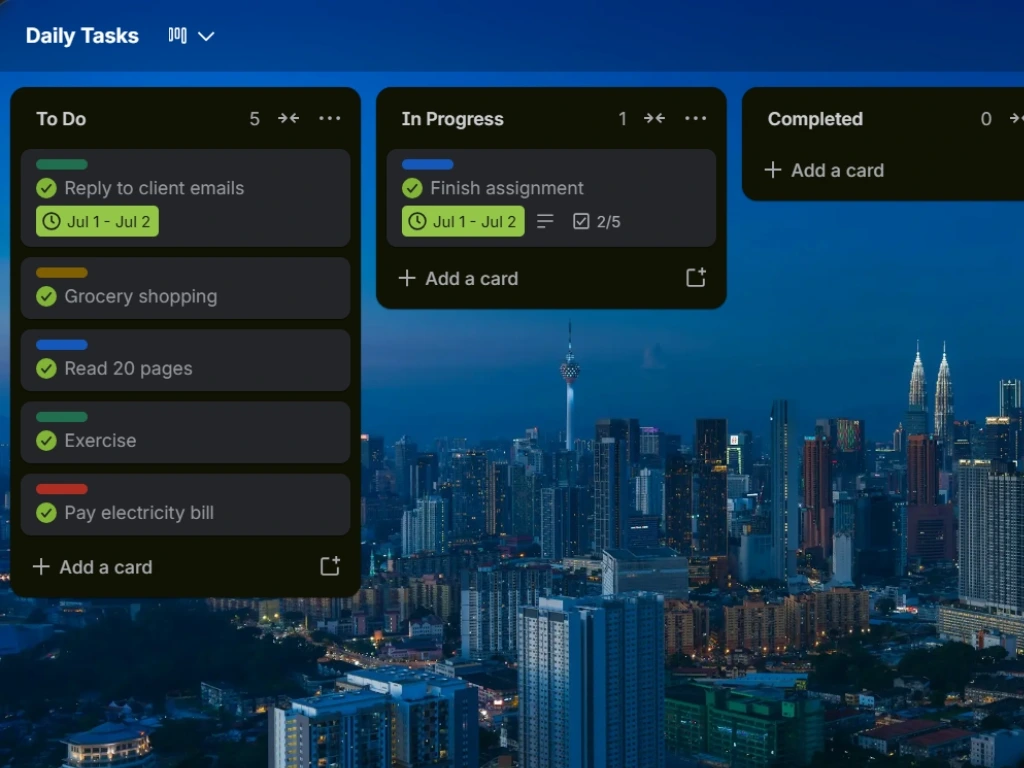
Setup speed. A working Trello board takes ten minutes. ClickUp’s flexibility means more decisions during setup spaces, folders, lists, custom statuses, which can eat an afternoon before you’ve tracked a single real task.
Lower cognitive overhead day to day. Because Trello does less, there’s less to think about while using it. For a freelancer who wants to open the tool, update three cards, and get back to billable work, that simplicity has real value.
Fewer places for things to go unnoticed. ClickUp’s depth means information can end up nested inside a Space > Folder > List > Task structure that’s easy to lose track of if you don’t maintain naming discipline. Trello’s flatter structure makes it harder to lose anything.
Native automation that’s easy to configure. Trello’s Butler automation is genuinely simple for non-technical users. ClickUp has automation too, but its interface has more options to navigate to build the same rule.
Feature Comparison for Freelance-Specific Needs
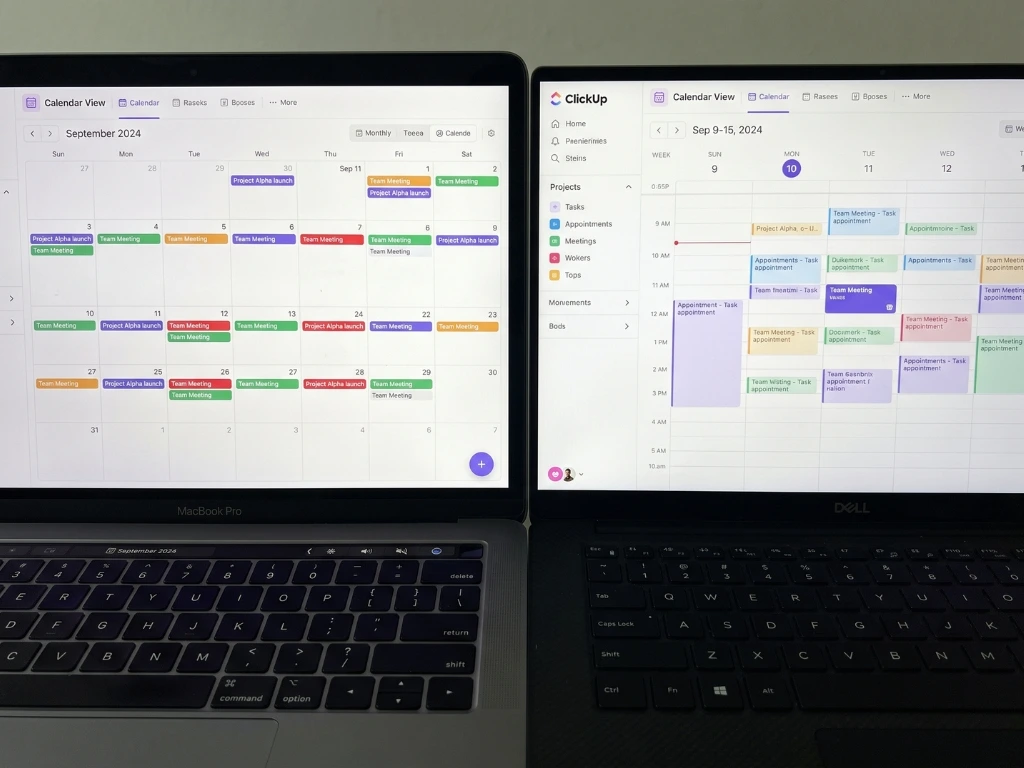
| Feature | ClickUp | Trello |
|---|---|---|
| Native time tracking | Yes, built-in | No (requires Power-Up) |
| Custom fields (rate, invoice status, etc.) | Strong, flexible | Limited, via Power-Up |
| Multiple views (board/list/calendar/timeline) | Yes, switch freely | Board only (calendar via Power-Up) |
| Setup time for first real use | 60–120 minutes | 10–20 minutes |
| Learning curve | Medium-High | Very Low |
| Native automation | Yes, more configuration options | Yes, simpler interface |
| Client/invoice tracking | Strong with custom fields | Workable but manual |
| Free plan generosity | Generous, some feature caps | Generous, simpler feature set |
| Mobile app | Functional, occasionally dense | Strong, close to desktop parity |
A Freelancer’s Actual Decision Point
The honest question isn’t “which tool has more features”, ClickUp wins that every time. It’s “will I actually keep this updated during a busy week without a team to help maintain it.” That’s where the answer gets more personal.
If you bill hourly and currently use a separate time-tracking app plus a separate task list plus a separate spreadsheet for invoice status, ClickUp’s consolidation genuinely saves real friction, you’re already managing that complexity, just across scattered tools instead of one.
If your freelance work is simpler, flat-rate projects, a handful of active clients, no complex time billing, that same complexity in ClickUp is solving a problem you don’t have, and Trello’s simplicity will serve you better long-term.
Two Freelancers, Two Different Fits
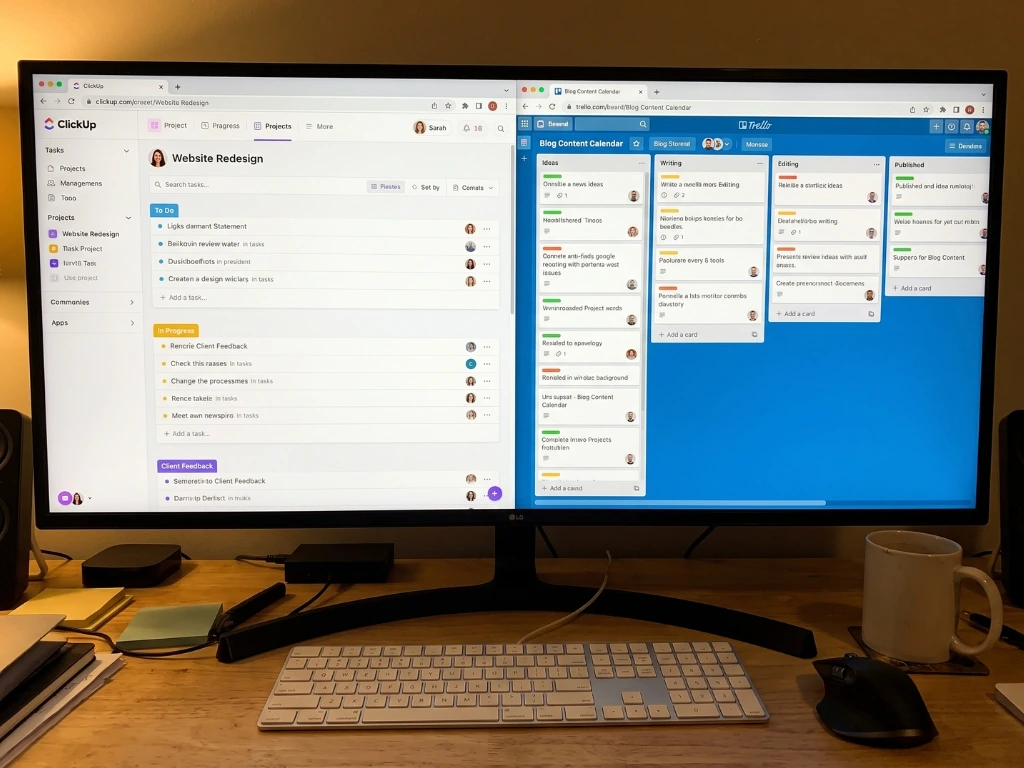
A freelance video editor bills hourly across four clients, tracks time obsessively because margins are thin, and needs invoice status visible at a glance. She moved from Trello plus a separate time-tracker to ClickUp specifically for the native time tracking and custom rate fields. The consolidation saved her from checking three apps to answer one question: “how many billable hours have I logged this client this month?”
A freelance graphic designer works flat-rate per project, with four to six active clients at any time, mostly needing to know what stage each project is in. He tried ClickUp first, found himself spending Sunday evenings tweaking views and statuses instead of working, and switched to Trello. His board now has five lists and no custom fields, and it takes him under two minutes each morning to know exactly what’s due.
Same profession, freelance, similar client count, different actual needs, different right answer.
Free Plan Comparison for 2026
| Free Plan Aspect | ClickUp | Trello |
|---|---|---|
| Task/card limit | Unlimited tasks | Unlimited cards |
| Time tracking | Included on free plan | Not included natively |
| Custom fields | Limited number on free tier | Very limited, Power-Up dependent |
| Automation | Limited monthly actions | Limited monthly automation runs |
| Storage for attachments | Capped, moderate | Capped, moderate |
| Guest/client access | Limited | Limited |
Both free plans genuinely support a solo freelance operation without paying anything for the first several months, sometimes longer. Upgrade pressure tends to come from hitting automation or storage caps, not from a hard feature wall.
Mistakes Freelancers Make When Choosing Between Them
- Picking ClickUp because it looks more “professional” for client-facing work. Clients rarely see or care about your internal tool, pick based on what keeps you organized, not what looks impressive on a screen share.
- Underestimating ClickUp’s setup time when you’re mid-project. Switching tools during an active busy period, expecting a quick transition, often backfires. Migrate during a genuinely slow week if possible.
- Trying to replicate every ClickUp feature in Trello with Power-Ups. If you find yourself adding five Power-Ups to make Trello behave like ClickUp, that’s usually a sign you actually need ClickUp, stop forcing the wrong tool to stretch.
- Ignoring your own consistency track record. If you’ve abandoned complex systems before, a simpler tool you’ll actually maintain beats a more powerful one you’ll neglect after three weeks.
- Not testing time tracking before committing if it’s your main need. If hourly billing is central to your business, actually log a full week of real hours in ClickUp before deciding it solves your invoicing pain, don’t assume from the pricing page alone.
- Switching tools too frequently while chasing the “perfect” system. Both tools are genuinely capable. More switching costs more setup time than either tool’s limitations would have cost you.
Habit formation research — James Clear
Pro Tips for Whichever You Choose
- If you choose ClickUp, build only one Space to start. Resist creating a complex folder structure across multiple Spaces before you’ve used it for two weeks. You’ll build a better structure once you know what you actually need.
- If you choose Trello and bill hourly, pair it with a free standalone time tracker like Toggl rather than forcing time data into cards that weren’t built to hold it.
- Set a recurring 15-minute Friday review in either tool — what’s overdue, what’s outstanding on invoices, what’s due next week. The habit matters more than which tool hosts it.
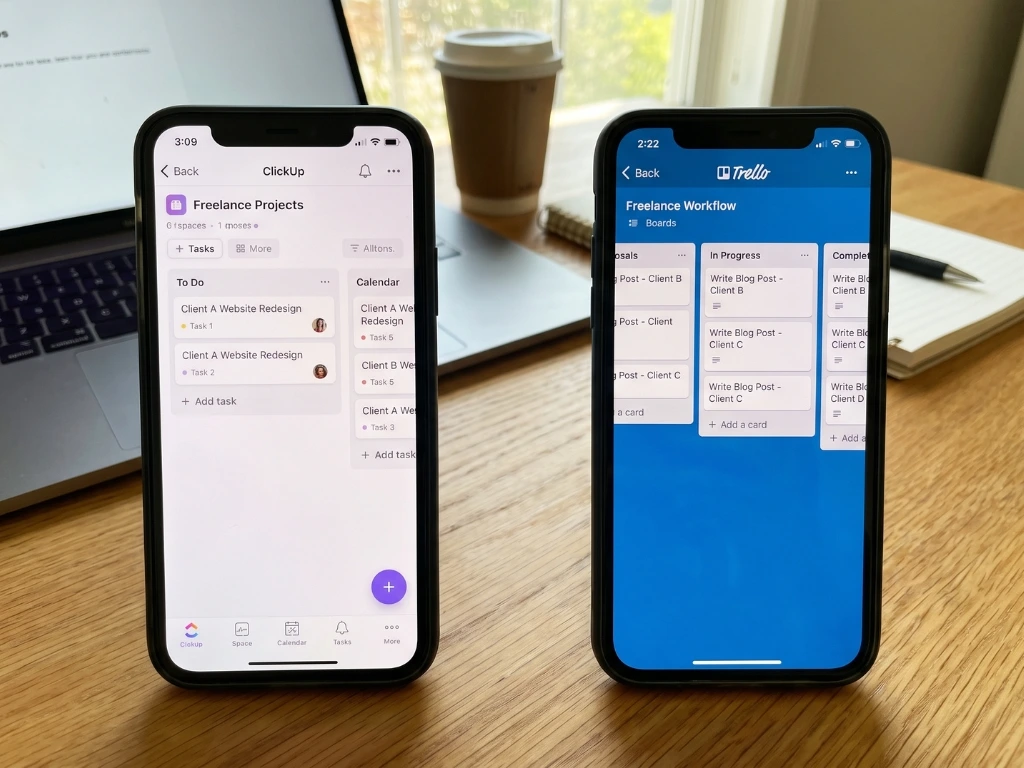
- Use whichever tool’s mobile app you’ll realistically check between client meetings. A powerful desktop setup you never open on your phone loses value fast when you’re out and about.
- Revisit your choice after one full invoicing cycle, not after one week. The real test of a freelance tool is whether it held up through an entire billing period, including the chasing-payment part.
Toggl Track (free time tracking tool)
Frequently Asked Questions
- Is ClickUp overkill for a solo freelancer? It can be, depending on your workflow. If you bill hourly across multiple clients and want time tracking, custom fields, and views in one place, it’s proportionate. If your work is simpler flat-rate project tracking, the extra depth often adds friction rather than value.
- Does Trello have any time tracking at all? Not natively. You’d need a Power-Up or a separate app like Toggl or Harvest paired alongside it. If time tracking is central to your billing, this is ClickUp’s clearest advantage.
- Which tool is easier to learn for someone new to task management? Trello, without much contest. Its visual card-and-column format has an almost immediate learning curve. ClickUp’s flexibility means more initial decisions, even though it becomes intuitive with time.
- Can ClickUp replace multiple other freelance tools? For many freelancers, yes, it can consolidate task tracking, time tracking, and basic client field tracking into one place, replacing three separate subscriptions or apps. Whether that consolidation is worth the setup time depends on how scattered your current system already is.
- Is Trello too simple for tracking client work and invoices? Not necessarily, it depends on your complexity level. Simple client status tracking works fine on a Trello board. Detailed invoice tracking with formulas and relations is better suited to Notion or ClickUp’s custom fields.
- Which has a better free plan for freelancers specifically? Both are genuinely usable for free as a solo freelancer. ClickUp’s free plan includes time tracking, which is valuable if you bill hourly. Trello’s free plan is simpler but covers basic task tracking without needing to learn additional structure.
- How long should I test either tool before switching if it’s not working? At least one full billing cycle, typically a month rather than a single week. Early friction is often a setup issue, not a genuine mismatch, and it takes a real cycle to know whether the tool actually held up.
- Can I migrate my existing Trello board into ClickUp later? Yes, ClickUp offers a Trello import feature that brings over boards, lists, and cards reasonably well, though some manual cleanup is typically needed afterward to take advantage of ClickUp-specific features like custom fields.
- Is one of these clearly better for freelancers who work with teams occasionally (subcontractors)? ClickUp handles this slightly better due to more granular permissions and guest access options, though both tools support adding external collaborators on their free plans with some limitations.
- What’s the biggest freelancer regret after choosing the wrong one? Usually choosing ClickUp for its power and then never fully setting it up, leaving them with an unused system more complex than the problem they had or choosing Trello and hitting a wall on time tracking and invoice complexity that a simple board format wasn’t built to hold.
The Real Answer
Neither tool is universally right for freelancers, despite what any single comparison, including this one, might tempt you to conclude. If your billing is hourly and complex, and you’re currently juggling separate apps to manage it, ClickUp’s consolidation is worth the setup time. If your work is simpler and visual status is really all you need, Trello’s speed and low overhead will serve you better and get out of your way faster.
Test whichever one seems closer to your situation for one real billing cycle. Let an actual month of client work, not a features list tell you if it fits.