
Ever notice how your to-do list grows… even on your most productive days?
You reply to emails, start writing something important, get distracted searching for information, and suddenly hours are gone. But the real work? Still pending.
Most people don’t realize this:
- It’s not lack of effort that slows you down.
- It’s repetitive tasks quietly eating your time.
That’s exactly where AI tools come in not to replace your thinking, but to remove the boring, time-consuming parts.
After personally testing dozens of tools (and honestly wasting time on many useless ones), I found a handful of free AI tools that actually make a difference in daily work.
Let’s break them down in a practical, no-hype way.
Why Free AI Tools Matter More Than Ever
AI is no longer just for developers or big tech companies.
Today:
- Students use it to simplify study material
- Freelancers use it to write faster
- Business owners use it to create content
- Developers use it to debug code
Even saving 15 minutes a day = 90+ hours per year.
That’s more than 2 full work weeks saved.
But here’s the catch:
Not every AI tool saves time. Some actually waste it.
So let’s focus only on tools that actually work in real life.
Quick Checklist: Best Free AI Tools
If you’re in a hurry, here’s the quick list:
- ChatGPT – Writing & ideas
- Google Gemini – Research & Google workflow
- Claude – Long-form content
- Perplexity AI – Smart searching
- Grammarly – Writing polish
- Canva AI – Design
- GitHub Copilot – Coding
- Notion AI – Productivity
Best Free AI Tools That Actually Save Time
1. ChatGPT (Best Overall AI Assistant)
What It Is
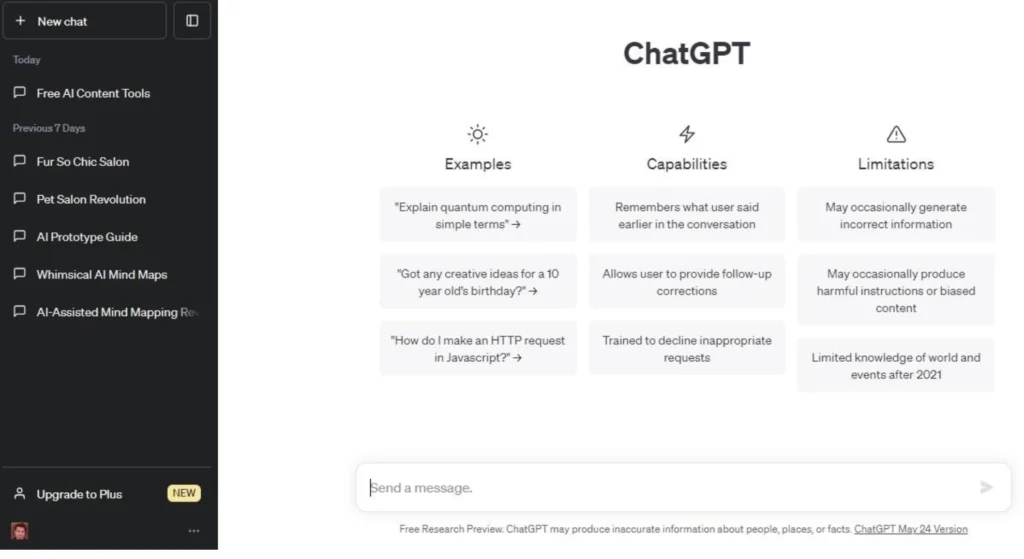
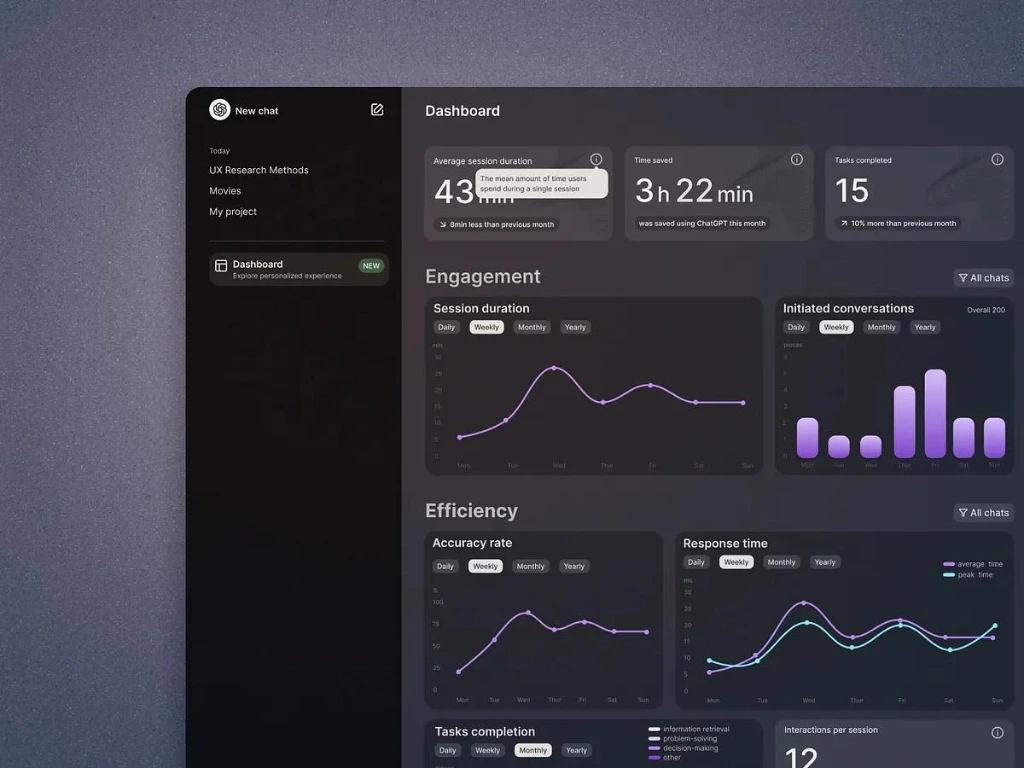
ChatGPT is an AI assistant that helps with writing, explaining, brainstorming, and more.
Why It Matters
Instead of starting from scratch, you get a solid first draft in seconds.
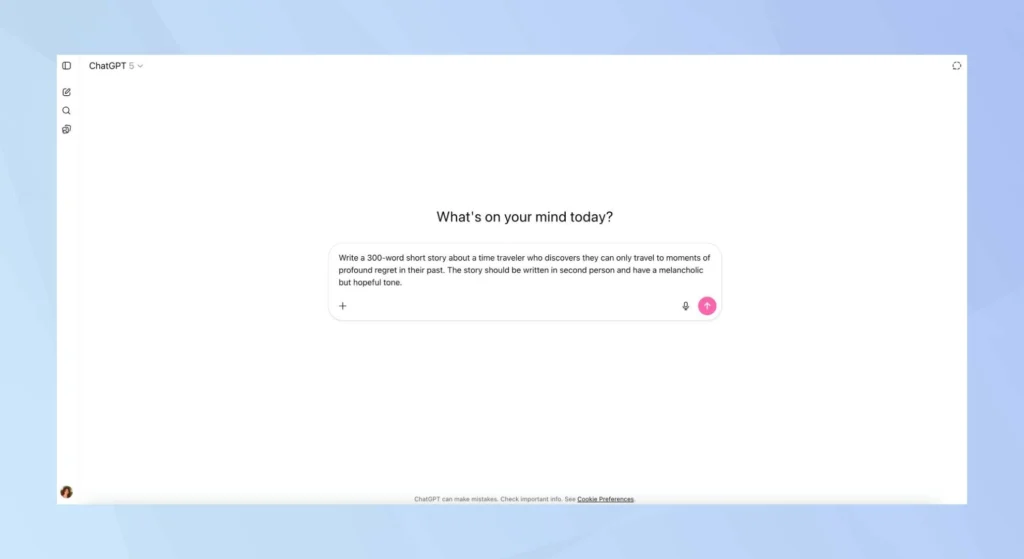
How to Use (Step-by-Step)
- Open ChatGPT
- Write a clear prompt
- Ask for:
- blog outline
- email draft
- explanation
- Edit the result
Real Example
Instead of thinking:
“How do I start this article?”
You type:
“Write a simple blog intro about productivity struggles”
Boom—instant starting point.
Pro Tip
Most people fail here
- Don’t write vague prompts like “write article”
- Write specific prompts
2. Google Gemini (Best for Google Users)
What It Is
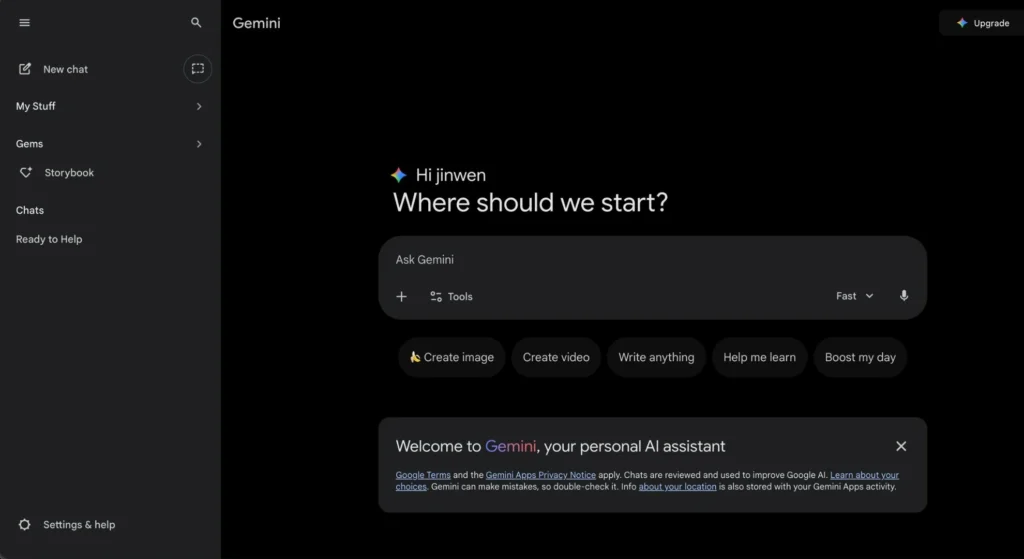
Google’s AI assistant integrated into its ecosystem.
Why It Matters
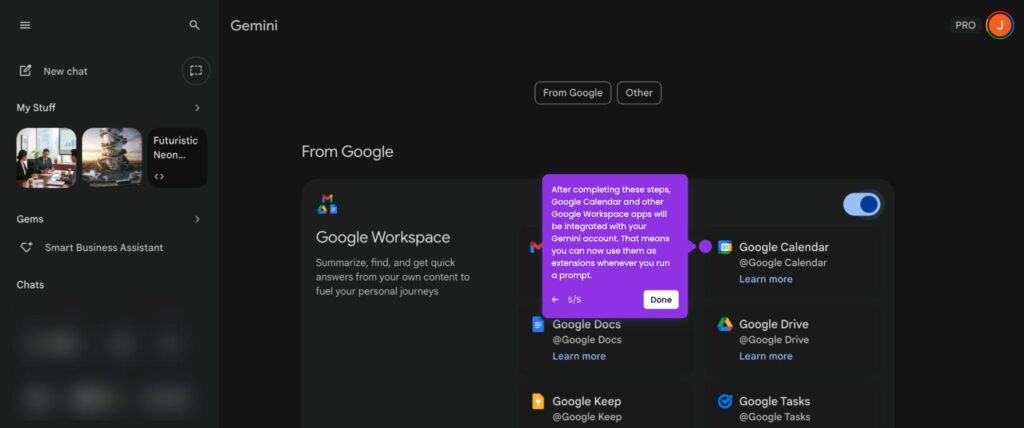
Perfect if you already use Google Docs, Gmail, or Drive.
Best Use Cases
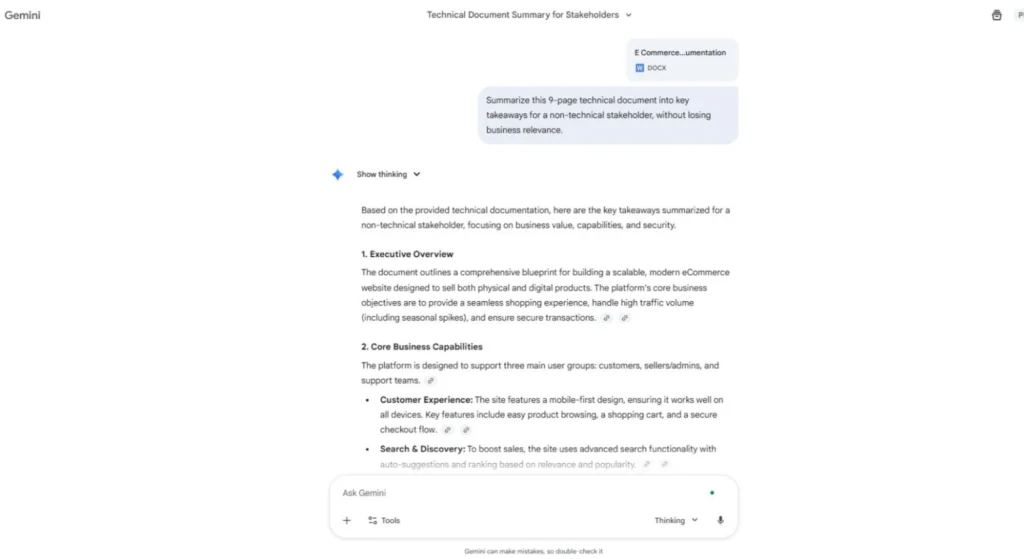
- Summarizing documents
- Writing replies
- Research help
When to Use
When working inside Google ecosystem
3. Claude (Best for Long Content)
What It Is
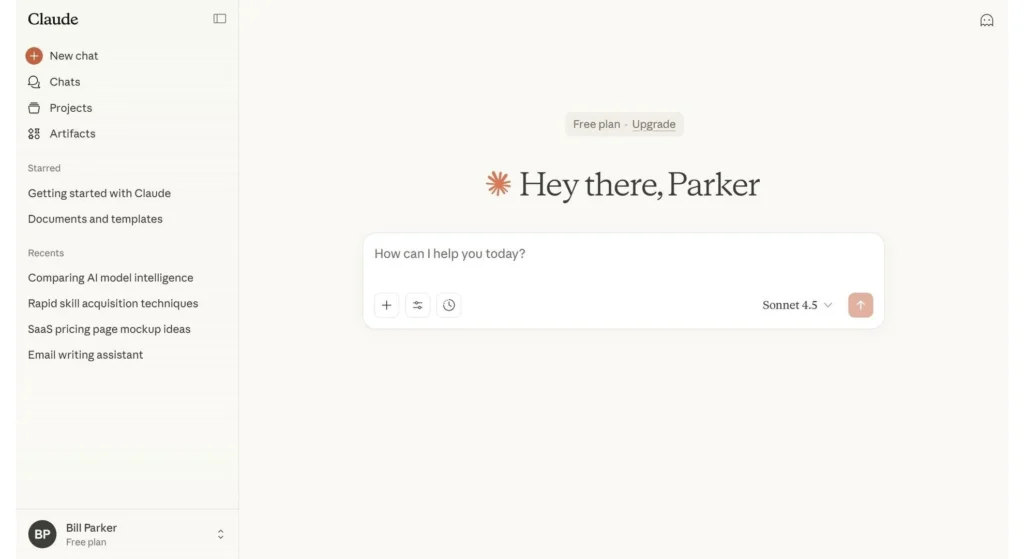
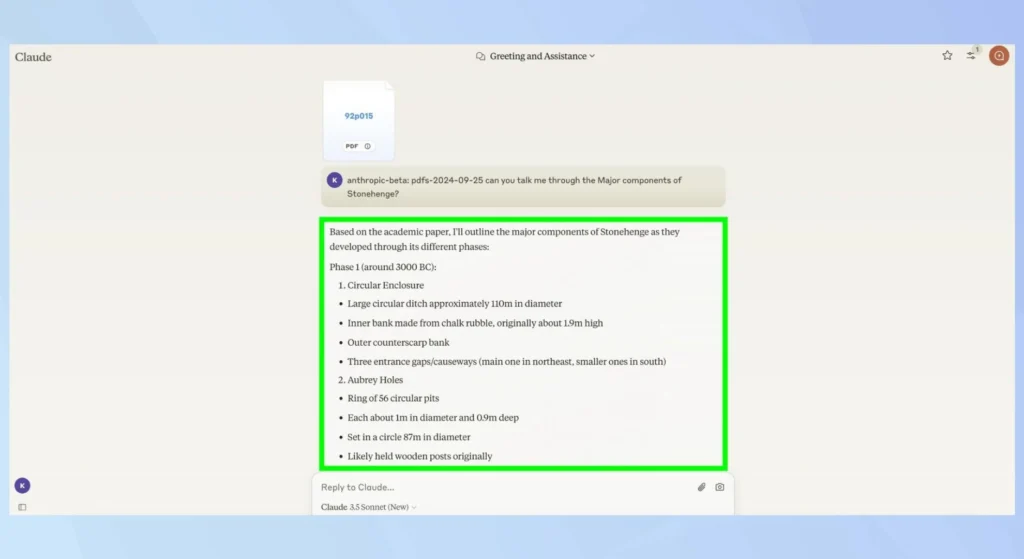
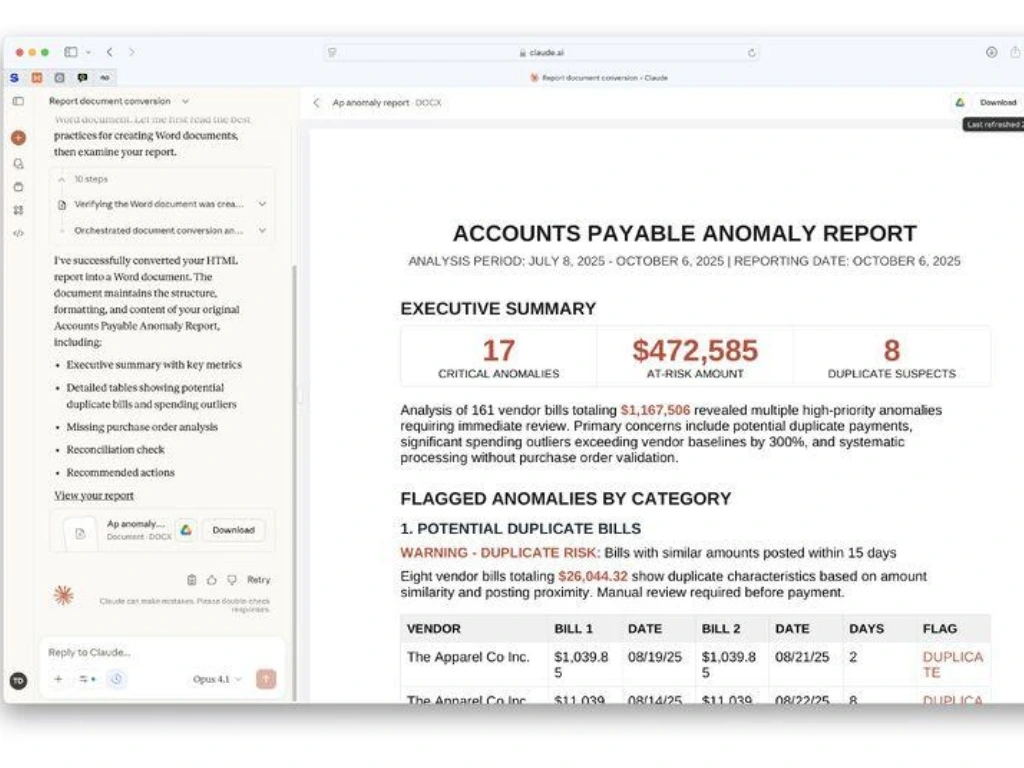
Claude is great for handling large content and deep explanations.
Why It Matters
It understands long documents better than most tools.
Best For
- Research papers
- Reports
- Long conversations
Personal Insight
When ChatGPT gives short answers, Claude often gives structured, detailed ones.
4. Perplexity AI (Best for Research)
What It Is
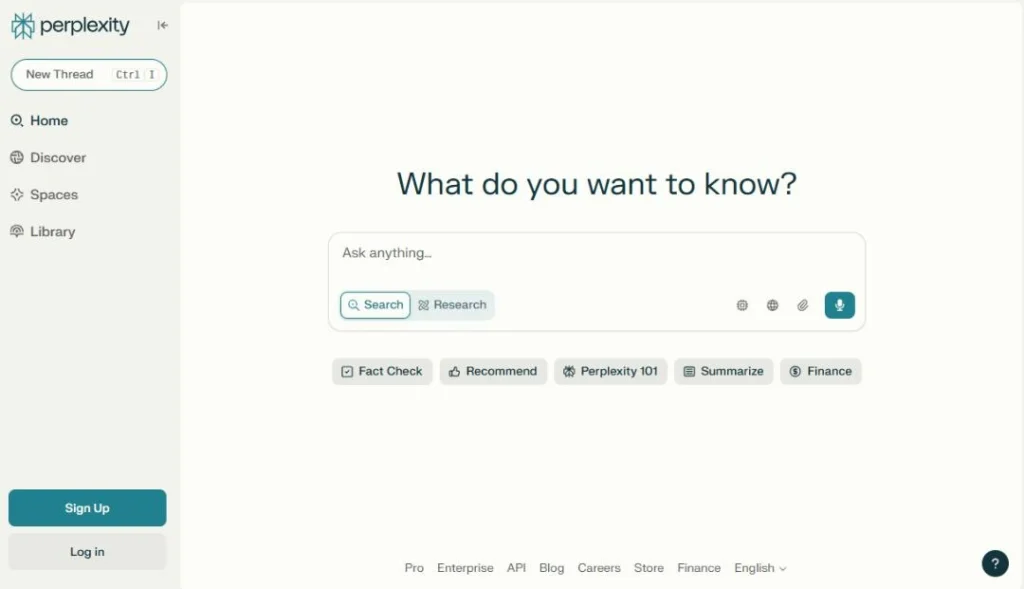
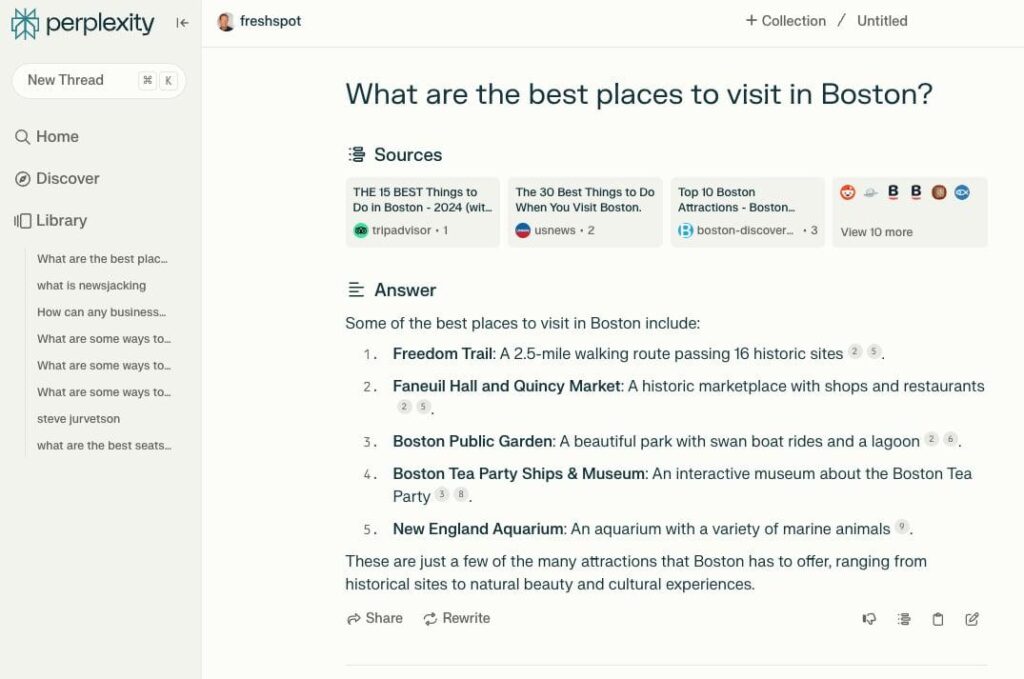
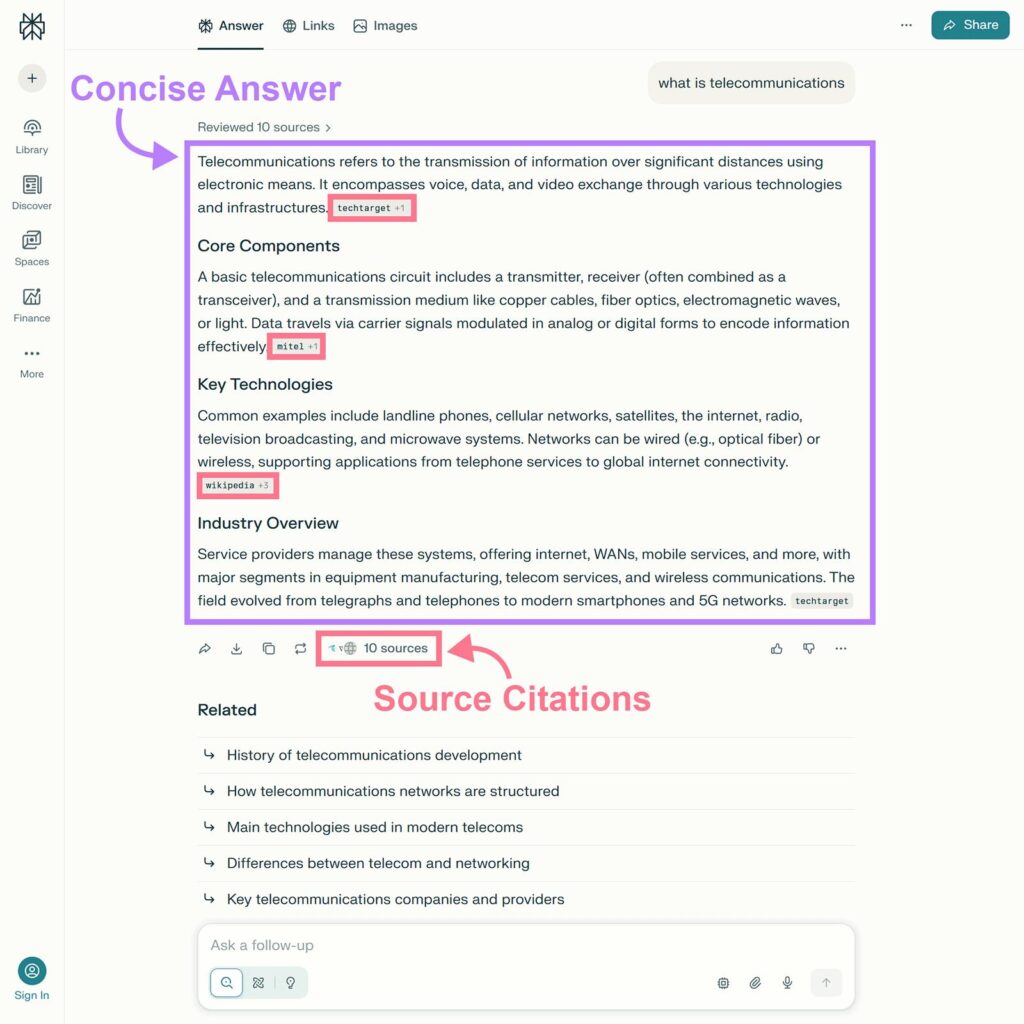
AI-powered search engine.
Why It Matters
Instead of opening 10 tabs → get one clear answer.
Key Benefit
Shows sources (very important)
Real Workflow
- Search topic
- Read summary
- Check sources
Saves massive time.
5. Grammarly (Best for Writing Polish)
What It Is
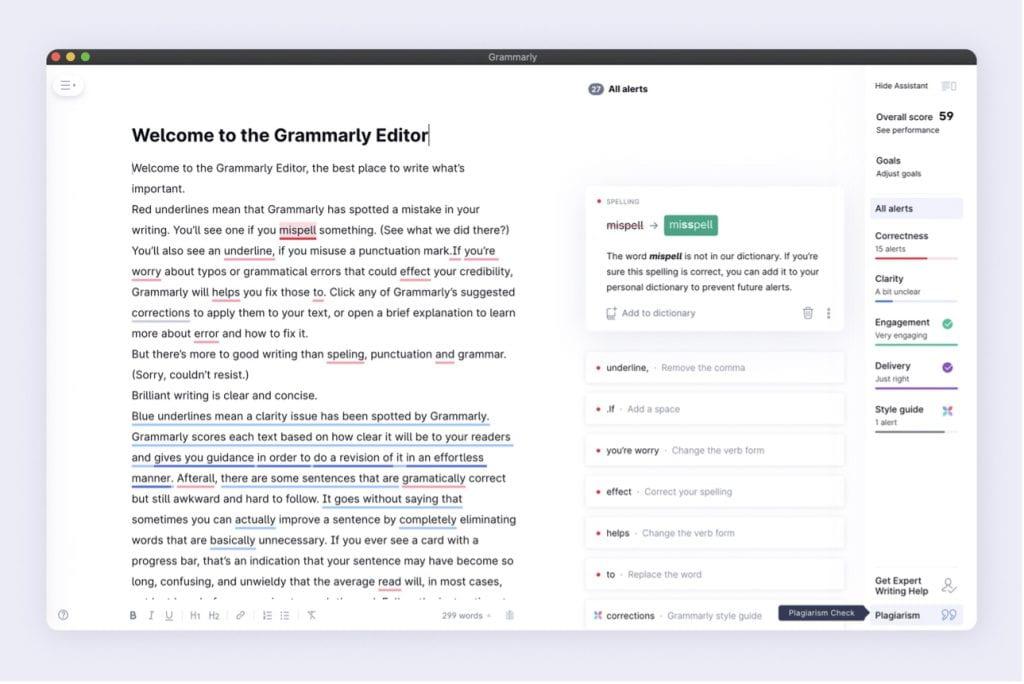
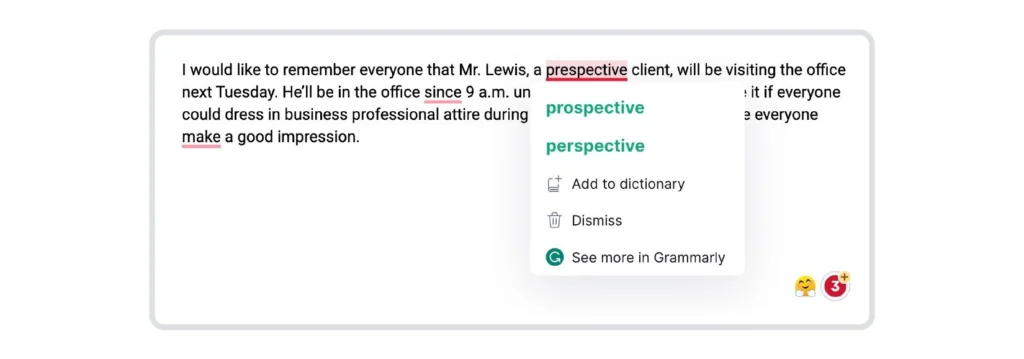
AI writing assistant for grammar and clarity.
Why It Matters
Fixes mistakes while you write, not after.
Best For
- Emails
- Reports
- Blog posts
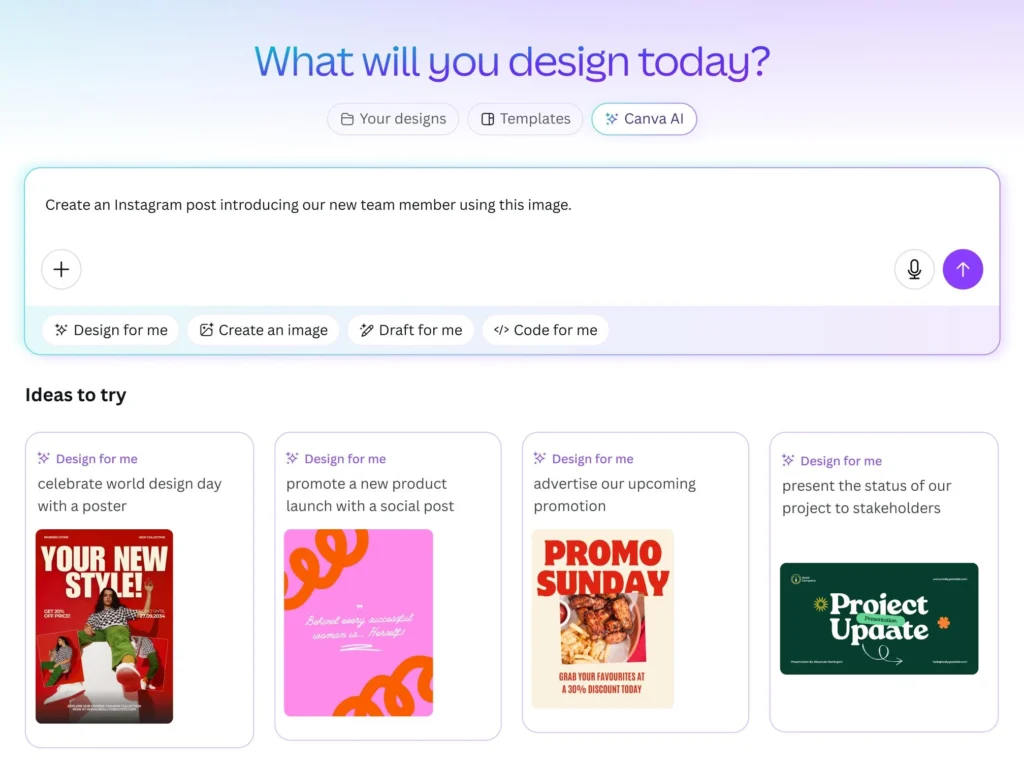
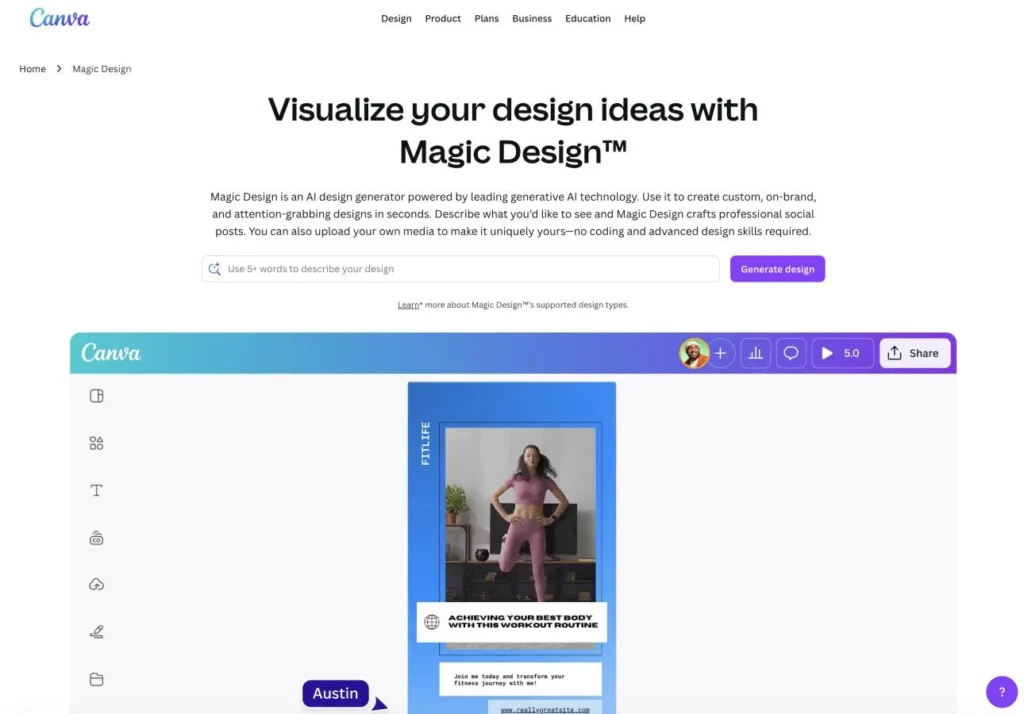
6. Canva AI (Best for Design)
What It Is
AI-powered design platform.
Why It Matters
No design skills needed.
You Can Create
- Social media posts
- Thumbnails
- Presentations
7. GitHub Copilot (Best for Developers)
What It Is
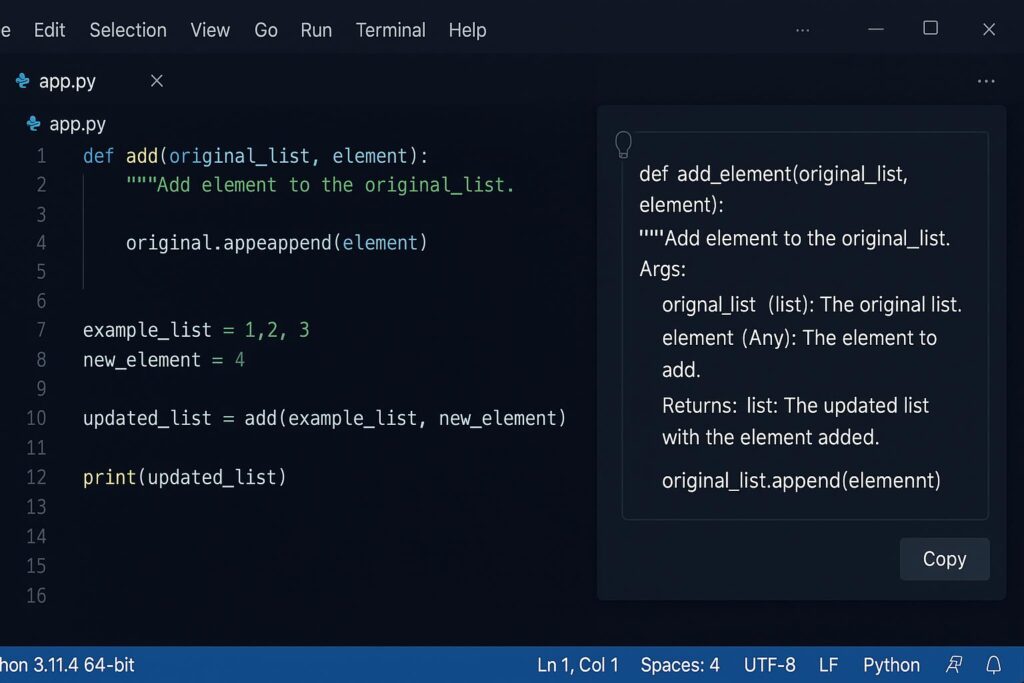
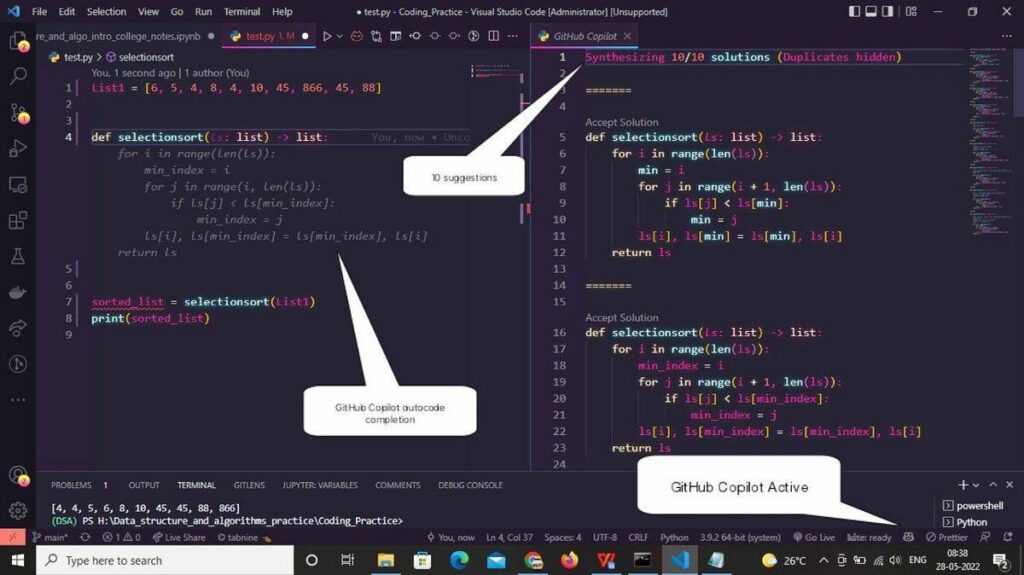
AI coding assistant.
Why It Matters
Writes repetitive code for you.
Best Use Cases
- Auto-complete functions
- Debugging
- Learning code
8. Notion AI (Best All-in-One Productivity Tool)
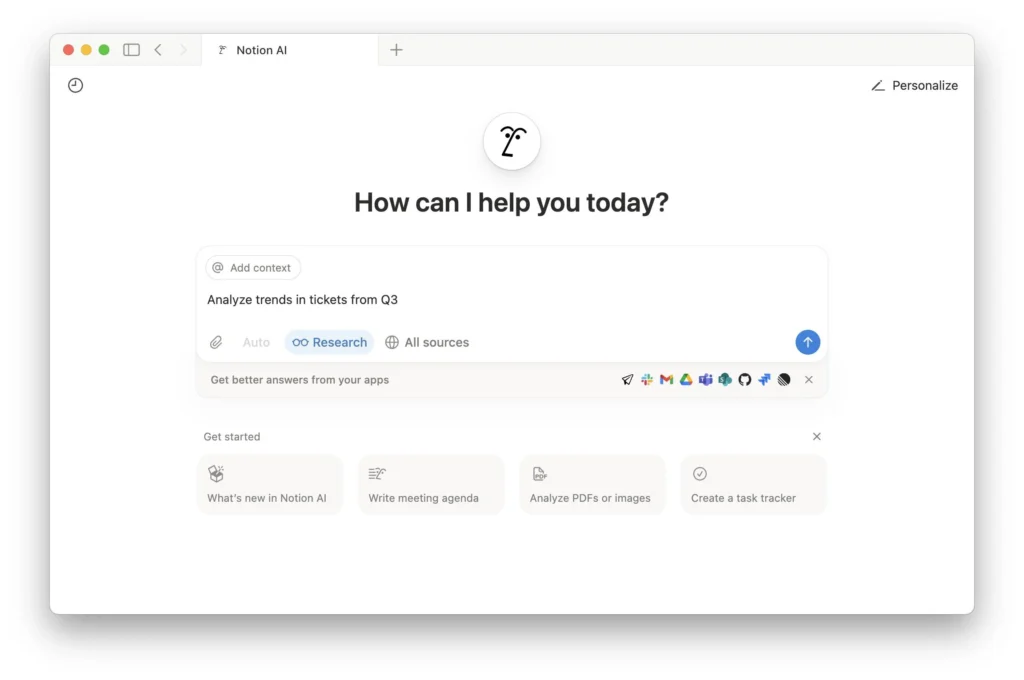
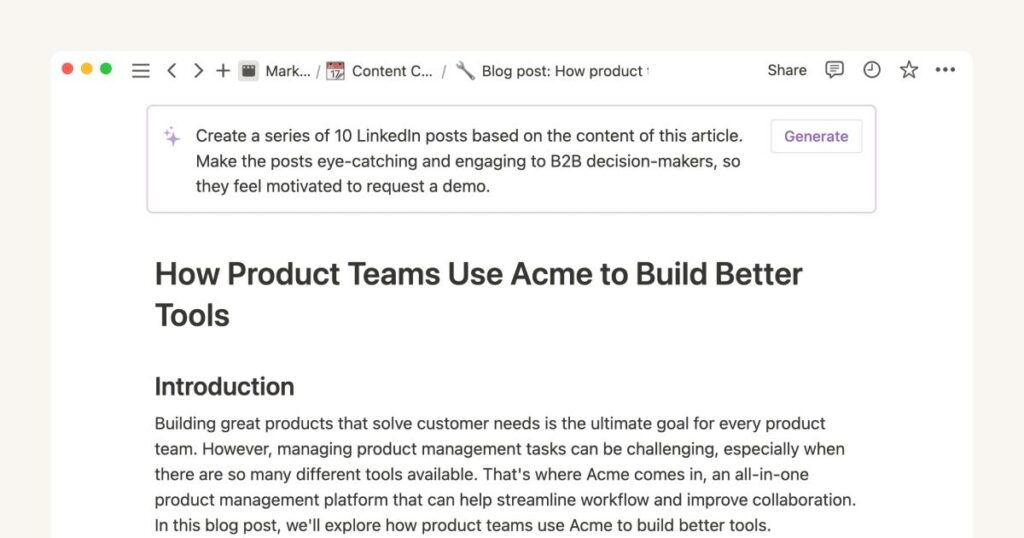
What It Is
AI built into your workspace.
Why It Matters
Everything stays in one place.
Use It For
- Notes
- Ideas
- Planning
- Content
Which AI Tool Should You Choose?
Students
- ChatGPT
- Gemini
- Claude
Freelancers
- ChatGPT
- Grammarly
- Canva
Business Owners
- ChatGPT
- Notion AI
- Canva
Developers
- Copilot
- ChatGPT
- Perplexity
Don’t use all tools.
Master 2–3 tools first.
Practical Use Case (Real Workflow)
Imagine you’re a freelance writer.
Instead of 5–6 hours:
- Use Perplexity → research
- Use ChatGPT → outline
- Write content yourself
- Use Grammarly → edit
- Use Canva → image
- Same quality
- Half the time
Mistakes to Avoid
- Using too many tools
- Copy-pasting AI content blindly
- Trusting AI without checking facts
- Using vague prompts
- Ignoring privacy
- Over-automation
- Not learning the tool deeply
Pro Tips (Advanced)
1. Save Prompt Templates
Reuse what works.
2. Build a Workflow
Don’t randomly use tools.
3. Combine Tools Smartly
Research + Writing + Editing
4. Focus on Output Quality
AI is assistant, not creator.
5. Learn One Tool Deeply
This is what separates beginners from pros.
FAQs
1. Are free AI tools really useful?
Yes, many are powerful enough for daily work.
2. Which AI is best for writing?
ChatGPT, Claude, Grammarly.
3. Best tool for research?
Perplexity AI.
4. Can AI replace jobs?
No, only repetitive tasks.
5. Best AI for coding?
GitHub Copilot.
6. Do I need paid tools?
Not at the start.
7. Can students use AI?
Yes, very useful for studying.
8. Is AI always accurate?
No, always verify.
9. Should I combine tools?
Yes, best results come from combinations.
10. Biggest time-saving tip?
Automate repetitive tasks first.
Conclusion
The best AI tools aren’t the most advanced ones.
They’re the ones that quietly remove friction from your day.
If you pick just 2–3 tools and use them consistently, you’ll notice something surprising:
- You finish work faster
- You feel less overwhelmed
- You focus more on meaningful tasks
Start small. Stay consistent. That’s how AI actually saves time.